Inspiration
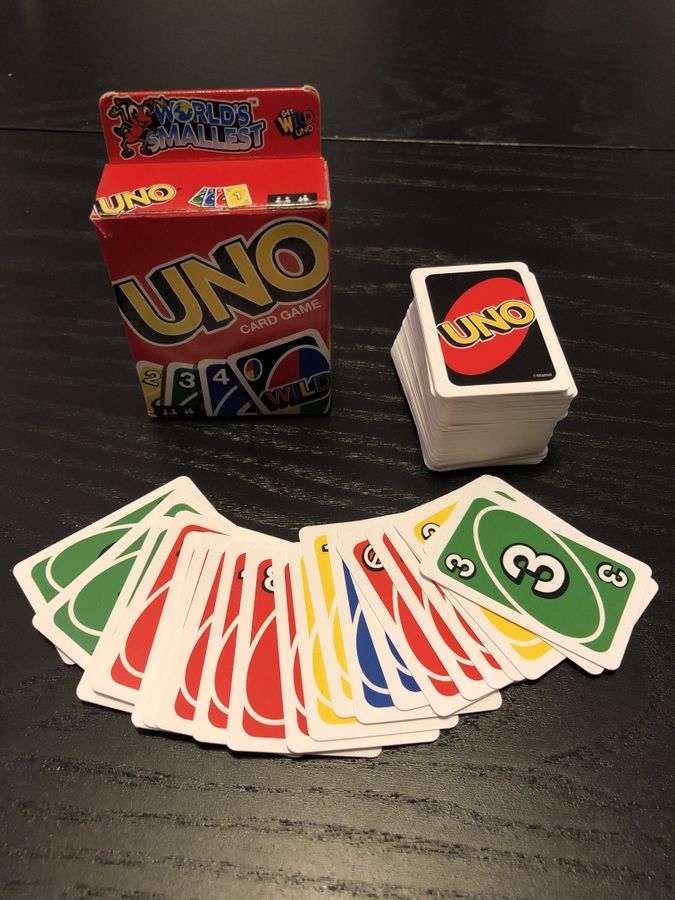
Shamano adds a battle system to UNO-style color matching. Playing a card is not just about matching colors. It turns into attack, defense, healing, and control. Every card in your hand carries combat intent.
In the year 503 AD, the civil war between shamanic sects, which had lasted for 20 years, finally reached a turning point.
The leaders of the four major sects (Wind, Rain, Fire, and Thunder) grew weary of endless conflict and senseless sacrifice. They decided to settle which sect was most fit to lead the shamanic people through a reasonable contest.
After 72 hours of deliberation (three days and three nights), they finally agreed on a “reasonable method”: a card game to decide the victor.
They named the game Shamano.
Once the game was introduced, all sects quickly learned the rules and held qualifying tournaments. They agreed that one year later, each sect would send their strongest card warriors to compete in the final championship.
The game was inspired by UNO: it keeps the fast-paced card-play mechanics while adding a combat system, giving players with more cards a way to “defeat” their opponents. This enhances both comeback potential and strategic depth.
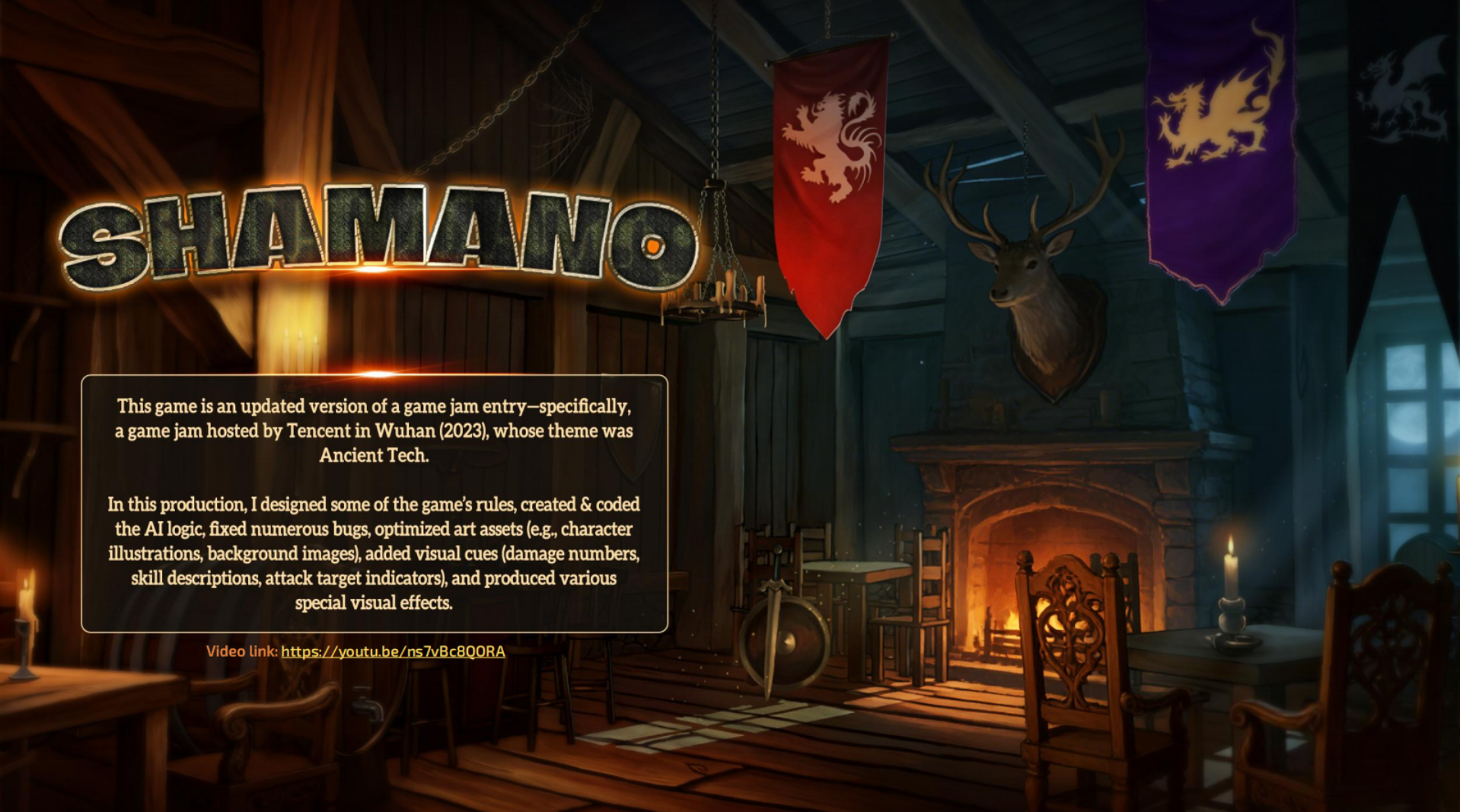
This game is the post-jam updated version of a game jam entry (a 2023 game jam organized by Tencent in Wuhan, with the theme of Ancient Tech).
In this version, I designed parts of the game rules, created and coded the AI logic, fixed numerous bugs, optimized art assets (such as character illustrations and background images), added visual feedback (damage numbers, skill descriptions, attack target indicators), and produced various special visual effects.
Game Scene
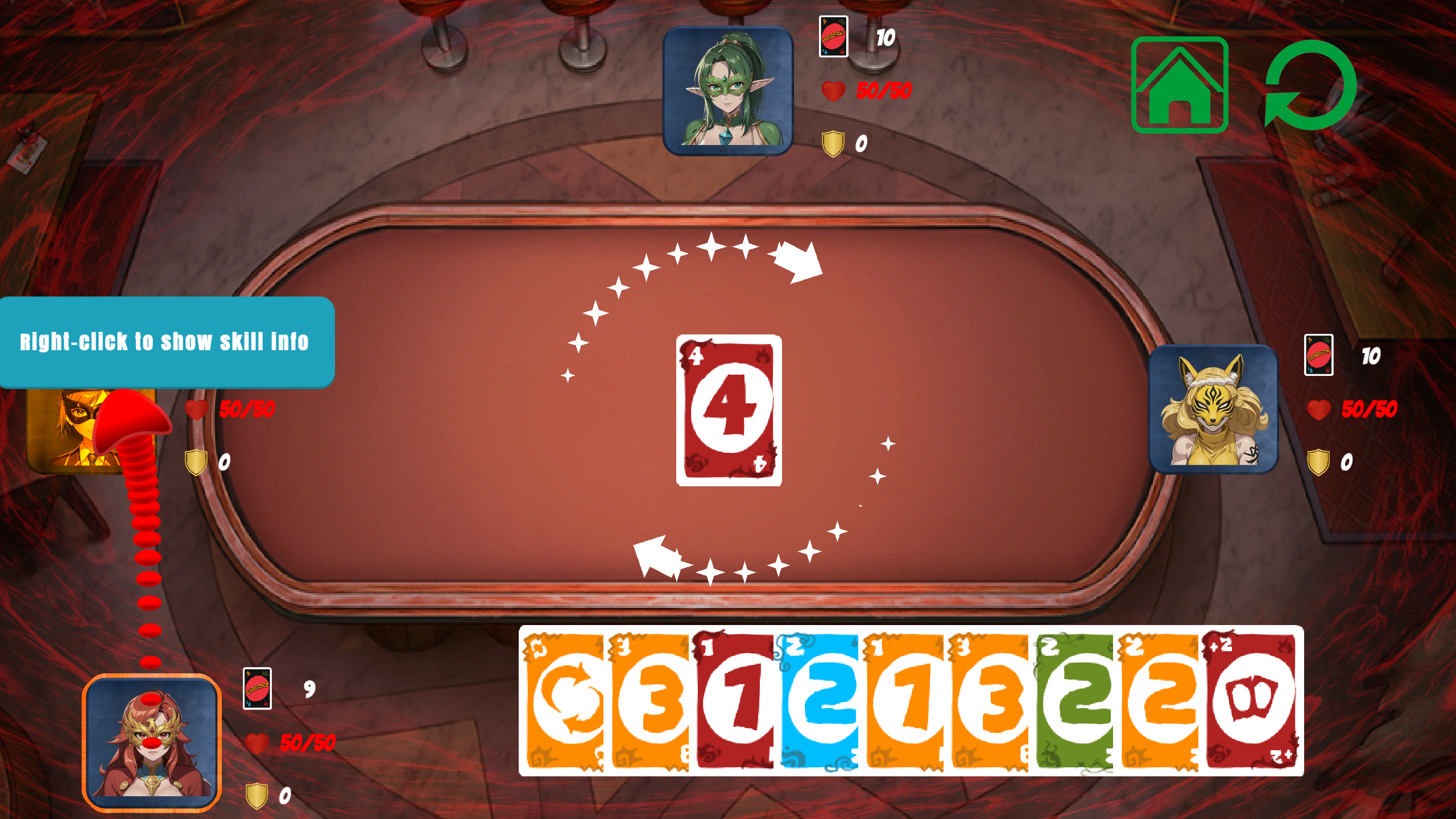
UNO Card Battle Table
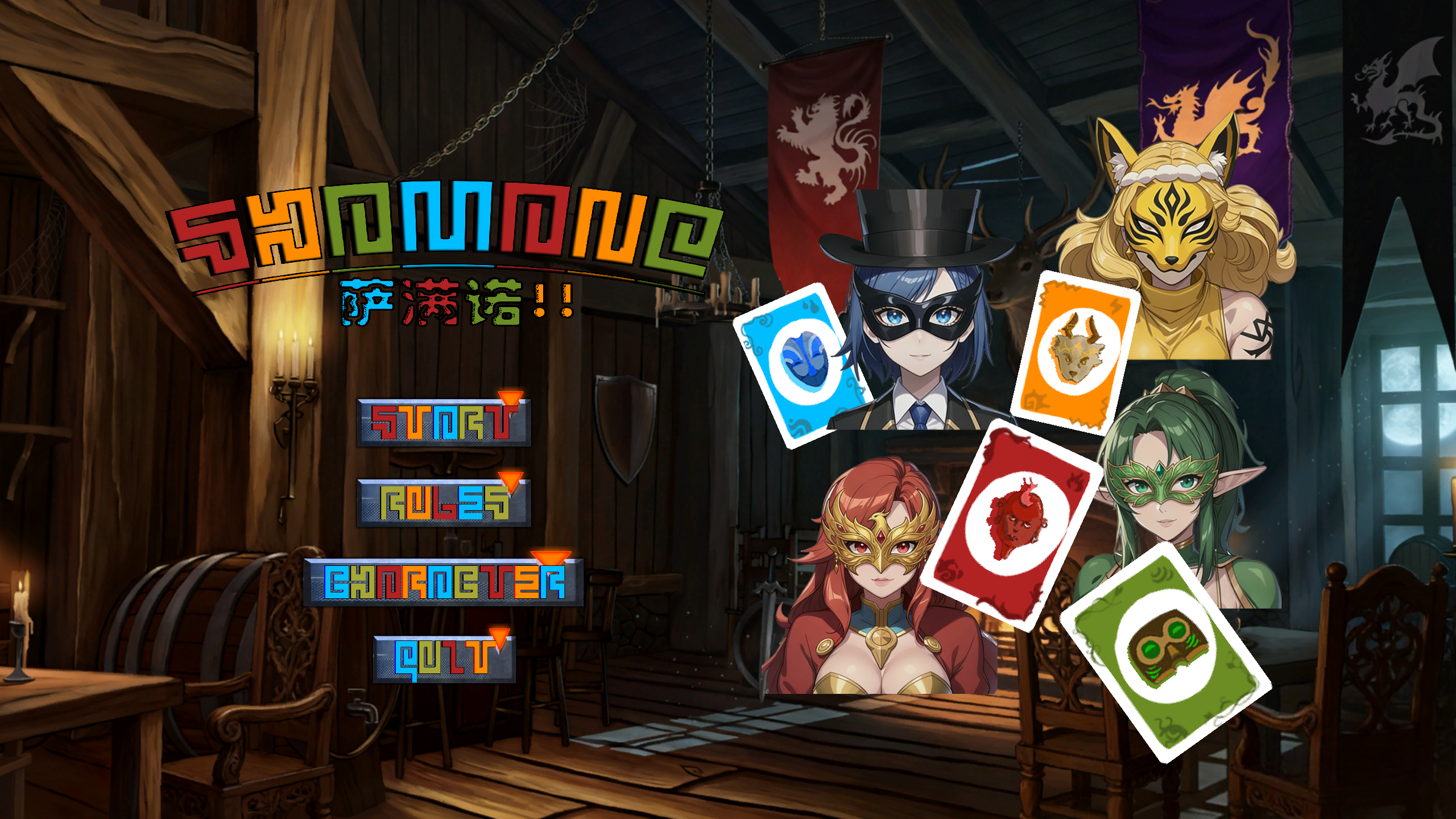
The scene centers on the battle table between four shaman players. The hand card area, character avatars, and skill status are all clearly visible, letting players focus on card-play strategy and combat feedback.
UI Design
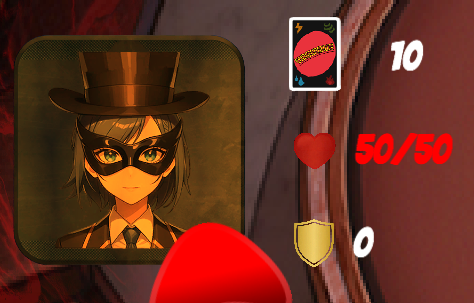
Avatar frames flicker on hover, showing remaining card count, HP, and shield values.
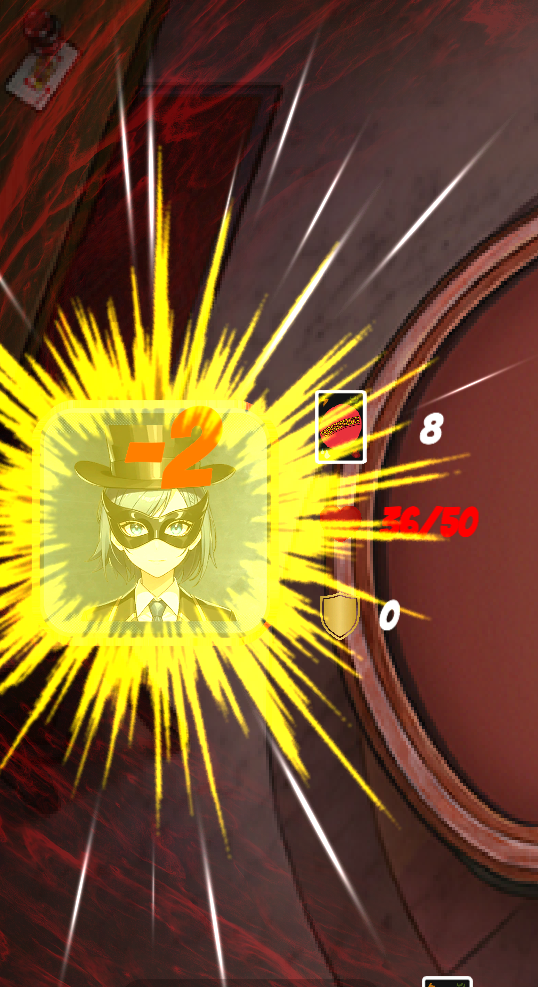
Damage numbers display on hit.
The avatar frame outline flickers when it’s a character’s turn.
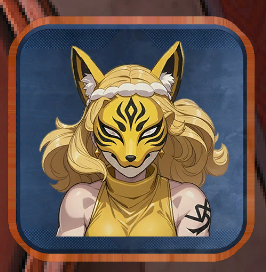
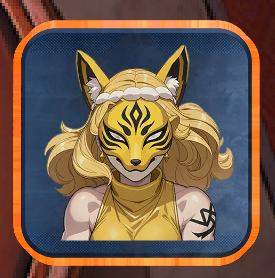
When unable to play a card or ending the turn, shield increase or HP recovery values are shown.

Skips the current turn when holding a Skip buff.
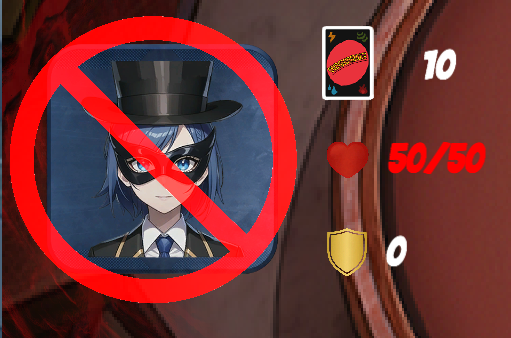
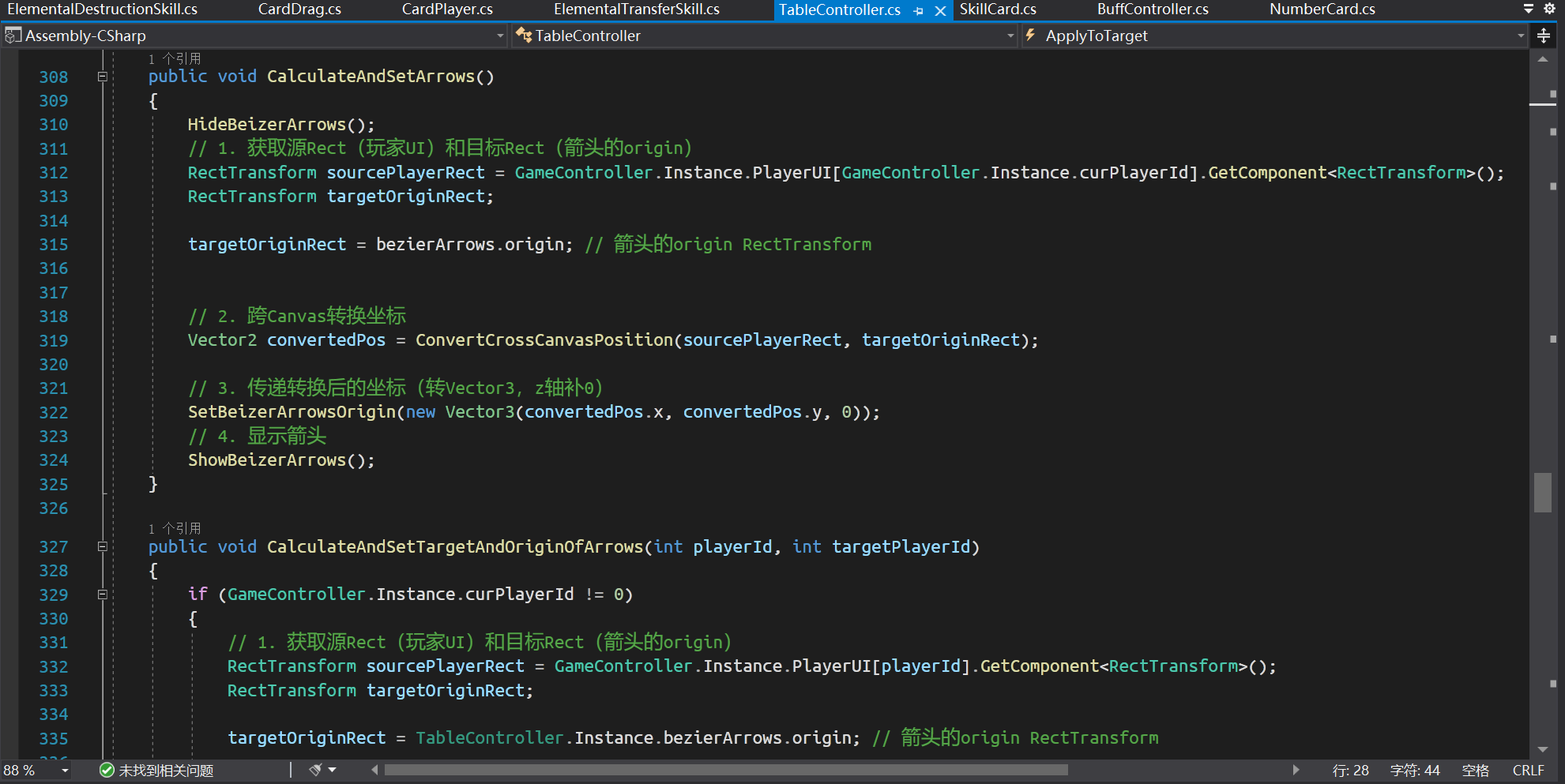
Uses Bezier curves to generate attack guide lines.
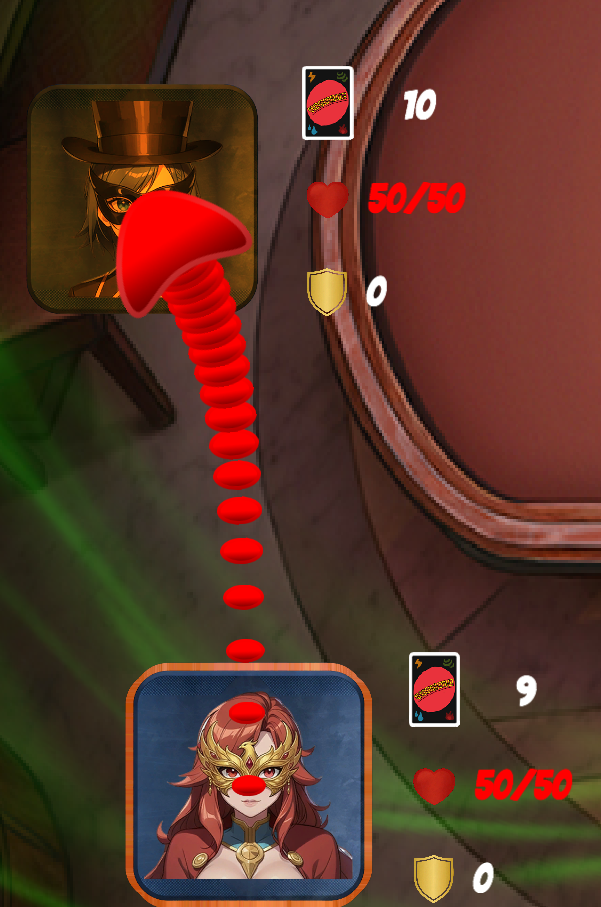
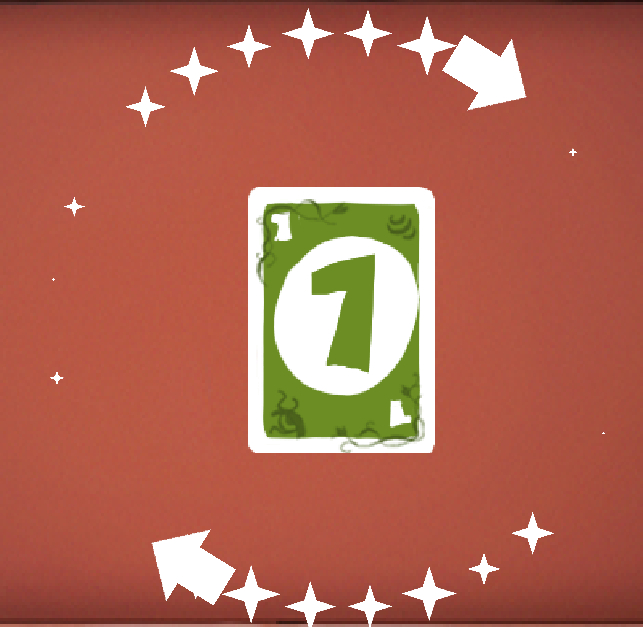
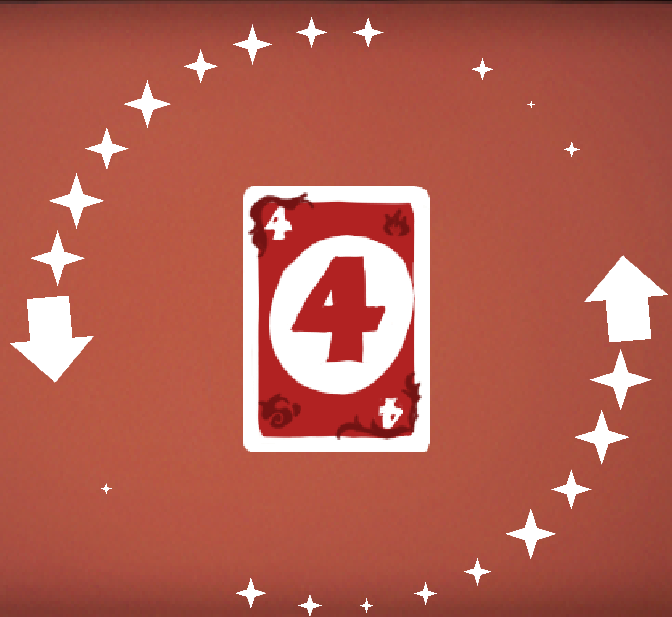
Clockwise and counterclockwise arrows indicate the current play direction.
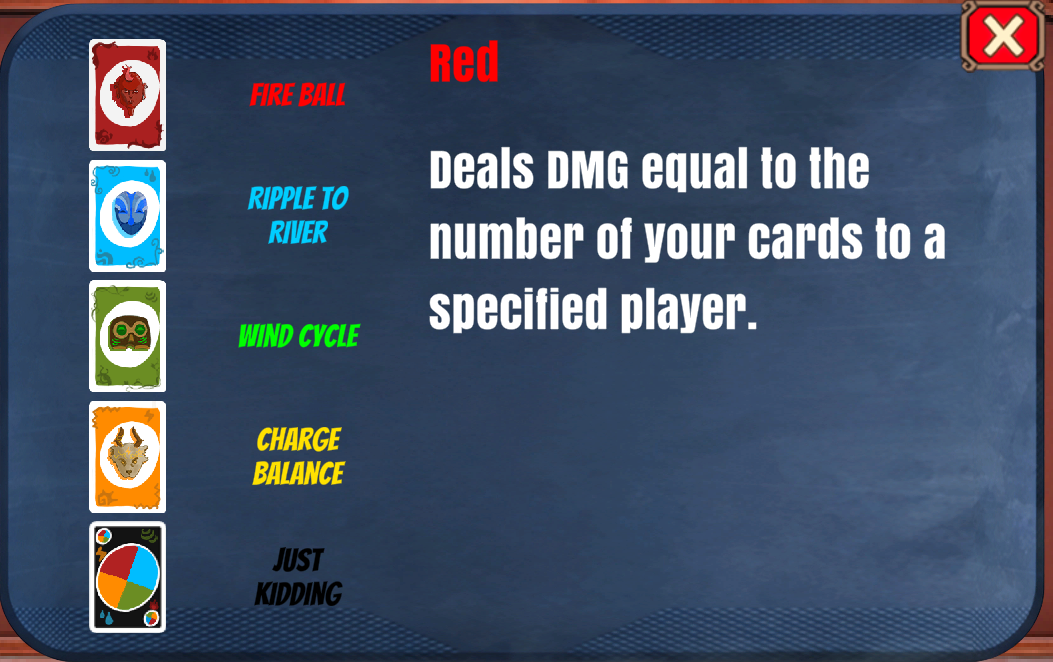
Right-click the avatar frame to view skill information.
Controls & Gameplay
Game Objective
Your goal is to be the first to play all your cards or defeat all other players (reduce their HP to 0).
Game Flow
-
Choose a character before the game starts (each character has unique skills tied to the 5 colors).
-
You and all other players each draw 7 starting cards from the deck.
-
The first player plays the first non-skill card, then play proceeds clockwise.
-
On your turn: play a card that matches the color or number of the last card, or use a Wild Card. If you cannot play, draw 1 card. If you can play it immediately, do so; otherwise, skip your turn.
-
After playing a valid card:
a. Number Card: Choose 1 opponent, deal damage equal to the card number (can be blocked by shields, which reduce accordingly).
b. Function Card: Activate its effect immediately.
c. Skill Card: Activate its skill effect immediately.
-
If you defeat a player on your turn (HP drops to 0 or below):
- If 2 or more players remain: your turn continues.
- If you are the only one left: you win.
-
At the end of your turn:
- If no active buffs: clear the shield from the previous turn.
- If your hand is empty: you win; otherwise, proceed to the next player’s turn.

Mechanics Breakdown
The card system starts from UNO's simple rules and gives each color its own combat purpose. Red is offense, green is defense, blue is healing, yellow is control. The choice of colors becomes part of your tactics.
Design Decision: Color matching is the rule constraint, combat effects are the strategic reward. Under the same rules, players with different color combinations in hand have completely different tactical paths. This is one source of the game's strategic depth.
a. Number Cards
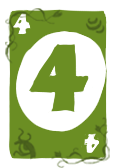
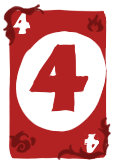
The numbers 1-4 on the cards represent damage values (deal corresponding damage to opponents).



b. Element Effects & Buffs
Each card color corresponds to an element (Red = Fire, Yellow = Thunder, Blue = Rain, Green = Wind), each with unique buff effects:
- Wind (Green): Deal damage equal to the card number + gain a shield (value = card number x 2; disappears at the end of your next turn).
- Fire (Red): Deal double the card number as damage directly.
- Rain (Blue): Deal damage equal to the card number + heal yourself for the same amount.
- Thunder (Yellow): Deal damage equal to the card number (deduct the target’s shield first). The target is forced to draw 1 card only if remaining damage exceeds their shield after deduction.




c. Functional Card Effects
- Skip (8 cards, 2 per color): Skips the next opponent’s turn.
- Reverse (8 cards, 2 per color): Reverses the play order.
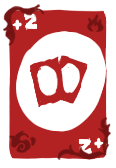
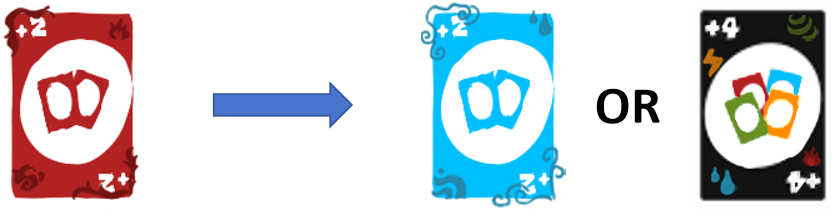
- +2 (8 cards, 2 per color): The next player draws 2 cards and skips their turn. That player can play +2/+4 to stack the effect.
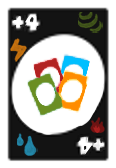
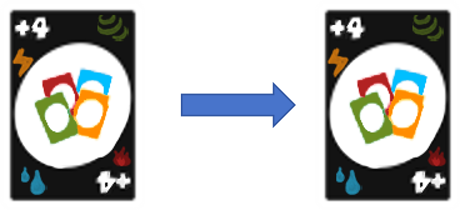
- +4 (4 cards): Changes the current color + the next player draws 4 cards. That player can play +4 to stack the effect.
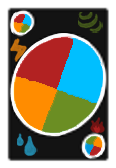
- Wild Card (4 black cards): See “Black Wild Cards” below.


d. Black Wild Cards
Change the current color to one of your choice + activate your character’s skill.
Character class is selected before the game starts (cannot be changed during the game); right-click the avatar to view details.
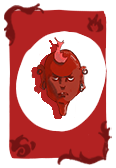
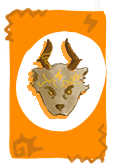
e. Skill Cards
Features: color only (no number). Used to activate element-specific skills.
Character class is selected before the game starts (cannot be changed during the game). Each class has unique skills for different elements.


f. Other Rules
-
If you have a card that matches both the color and number of the last played card: play it immediately (turn passes to the next player).
-
Number cards can target any player (except yourself).
-
+2/+4 can stack:
- Hit by +2: play +2/+4 to pass the effect along.
- Hit by +4: can only pass with +4.
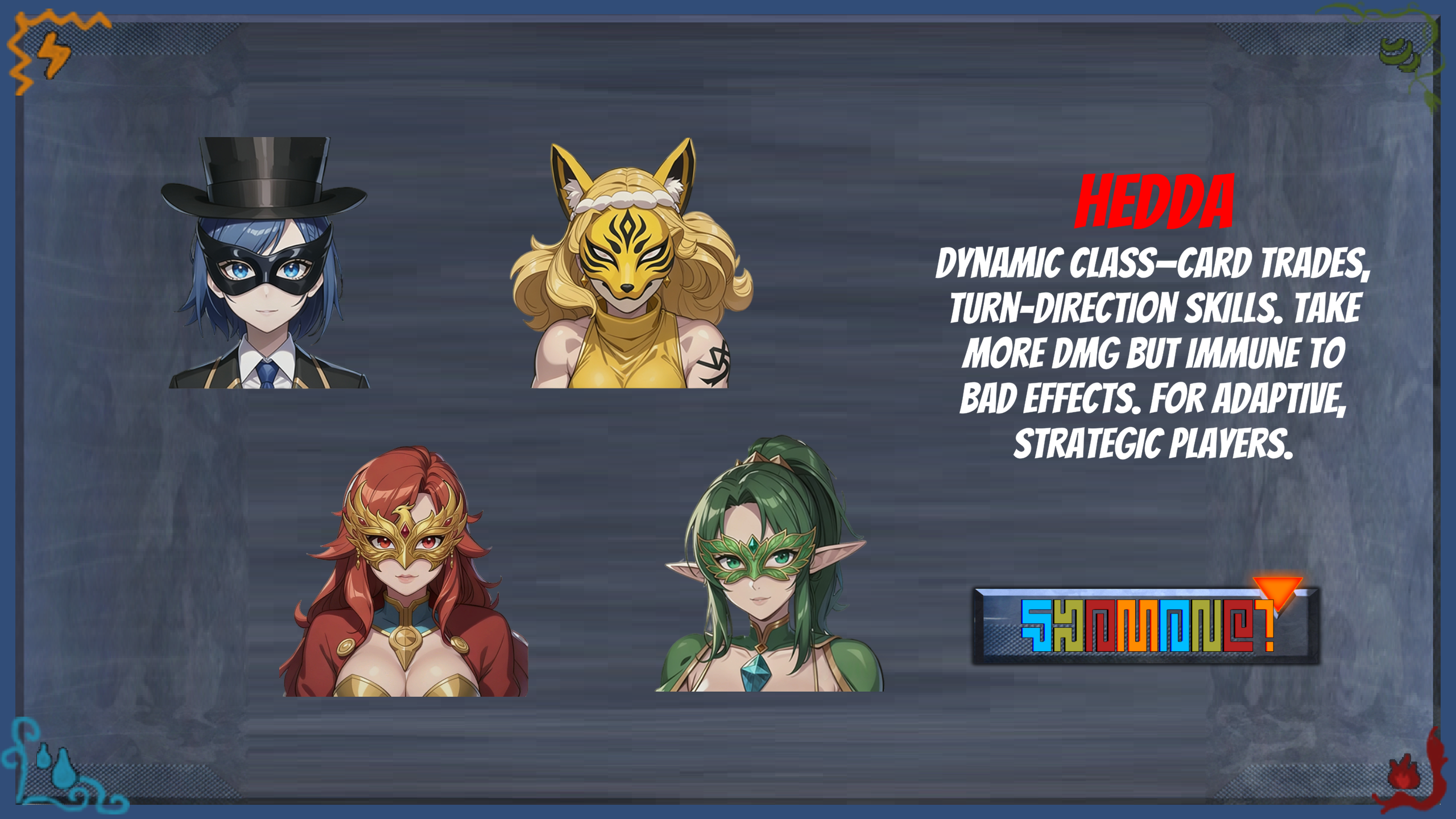
Characters & Class Skills
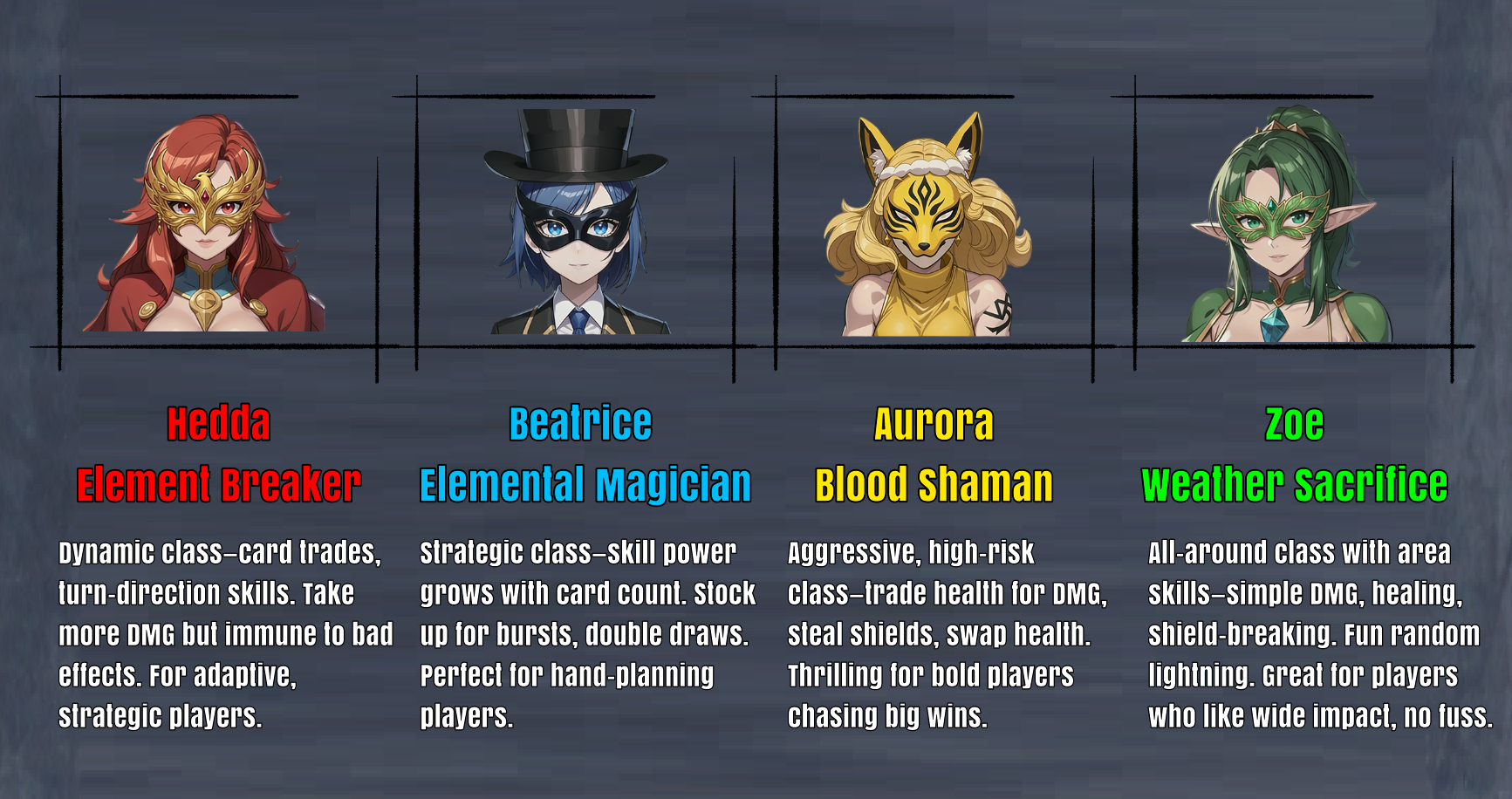
Hedda — Element Breaker
- Fire: Element Break — Deal 5 damage to 1 player; discard 1 random card from your hand.
- Rain: Element Recall — Restore 5 HP + draw 1 card.
- Wind: Element Sense — Clockwise: deal 5 damage to others; Counterclockwise: others draw 1 card.
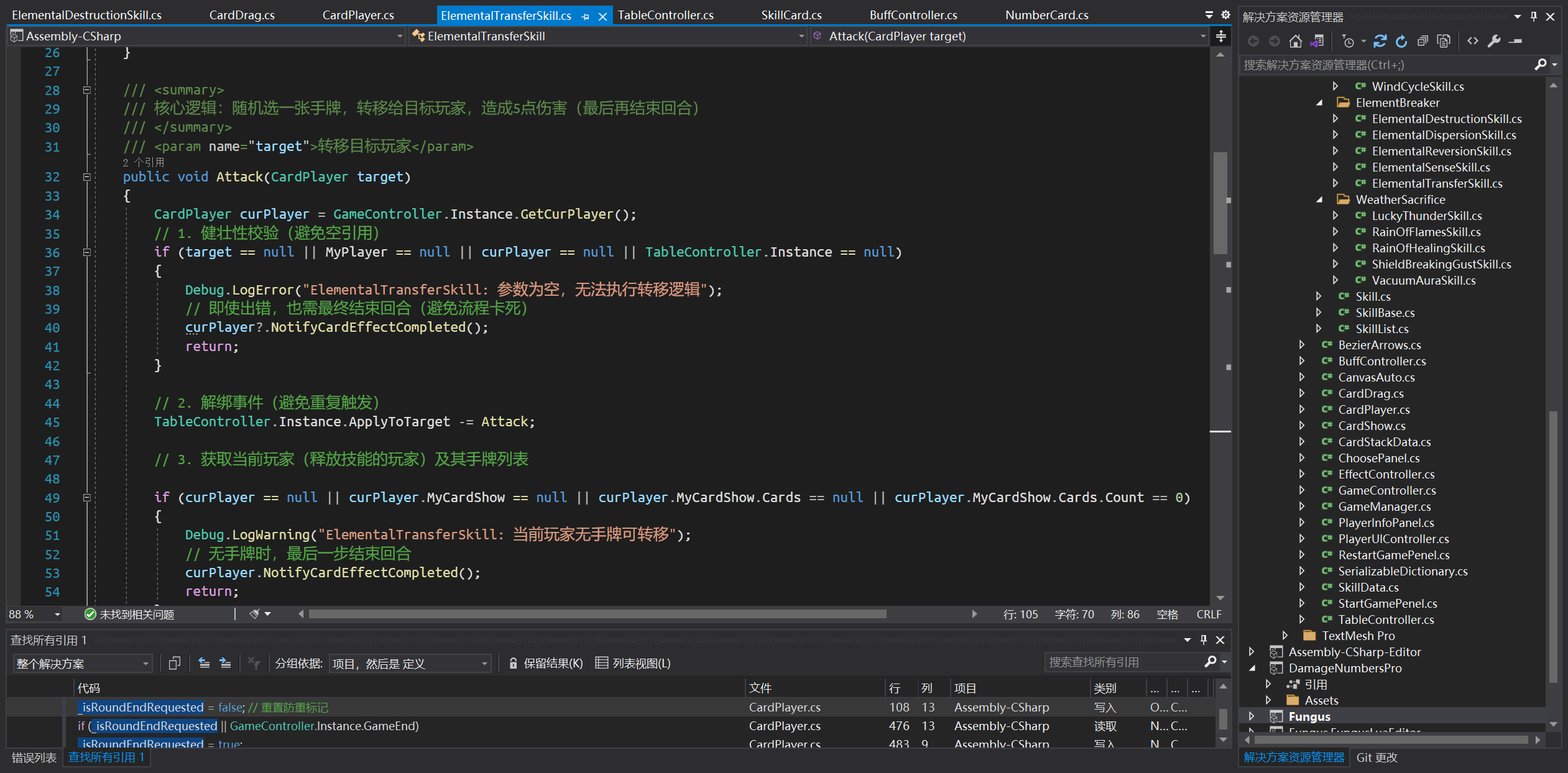
- Thunder: Element Transfer — Give 1 random card from your hand to 1 player + deal 5 damage to them.
- Shaman Skill: Element Banish — Grant yourself a buff: take double damage but become immune to negative effects.
Beatrice — Element Magician
- Fire: Flame Burst — Deal damage to 1 player equal to the number of cards in your hand.
- Rain: Puddle to River — Restore HP equal to the number of blue cards in your hand.
- Wind: Wind Turning — Deal damage to 1 player equal to the number of green cards in your hand; give them a shield equal to the number of green cards in their hand.
- Thunder: Charge Balance — Deal 4 damage to 1 player; the player with fewer yellow cards draws 1 card.
- Shaman Skill: Just a Joke — All players gain a buff: draw double the number of cards.
Aurora — Blood Shaman
- Fire: Life Burn — Lose 4 HP, deal 8 damage to 1 player.
- Rain: Life Drain — Restore 4 HP + deal 4 damage to 1 player.
- Wind: Life Convert — Remove all shields from 1 player; restore HP equal to the shield amount removed.
- Thunder: Life Activate — Lose 4 HP, deal 4 damage to 1 player + draw 1 card.
- Shaman Skill: Life Swap — Swap HP with a target player.
Zoe — Weather Priestess
- Fire: Rain of Fire — Deal 3 damage to all other players.
- Rain: Healing Rain — Restore 1 HP to others + restore 5 HP to yourself.
- Wind: Shield-Breaking Wind — Deal 8 damage to all others’ shields.
- Thunder: Lucky Thunder — Randomly attack 1 player (including yourself) for 8 damage; others take 1 damage.
- Shaman Skill: Vacuum Zone — Grant yourself a buff: all card-adding effects targeting you are reflected back to the caster.
Production Process
Programming
Bezier Curves
Skill Optimization
AIManager: manages AI for all characters.
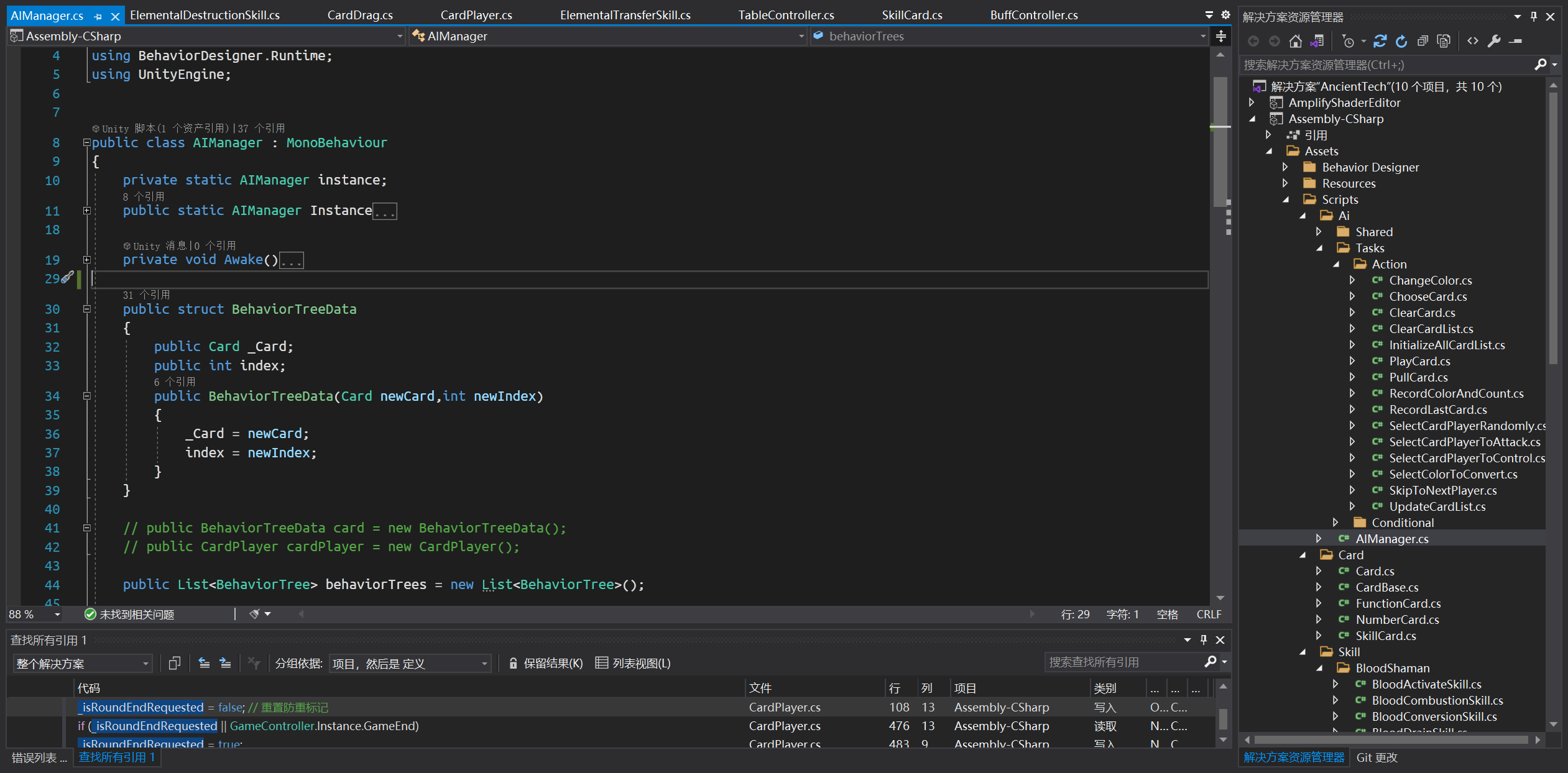
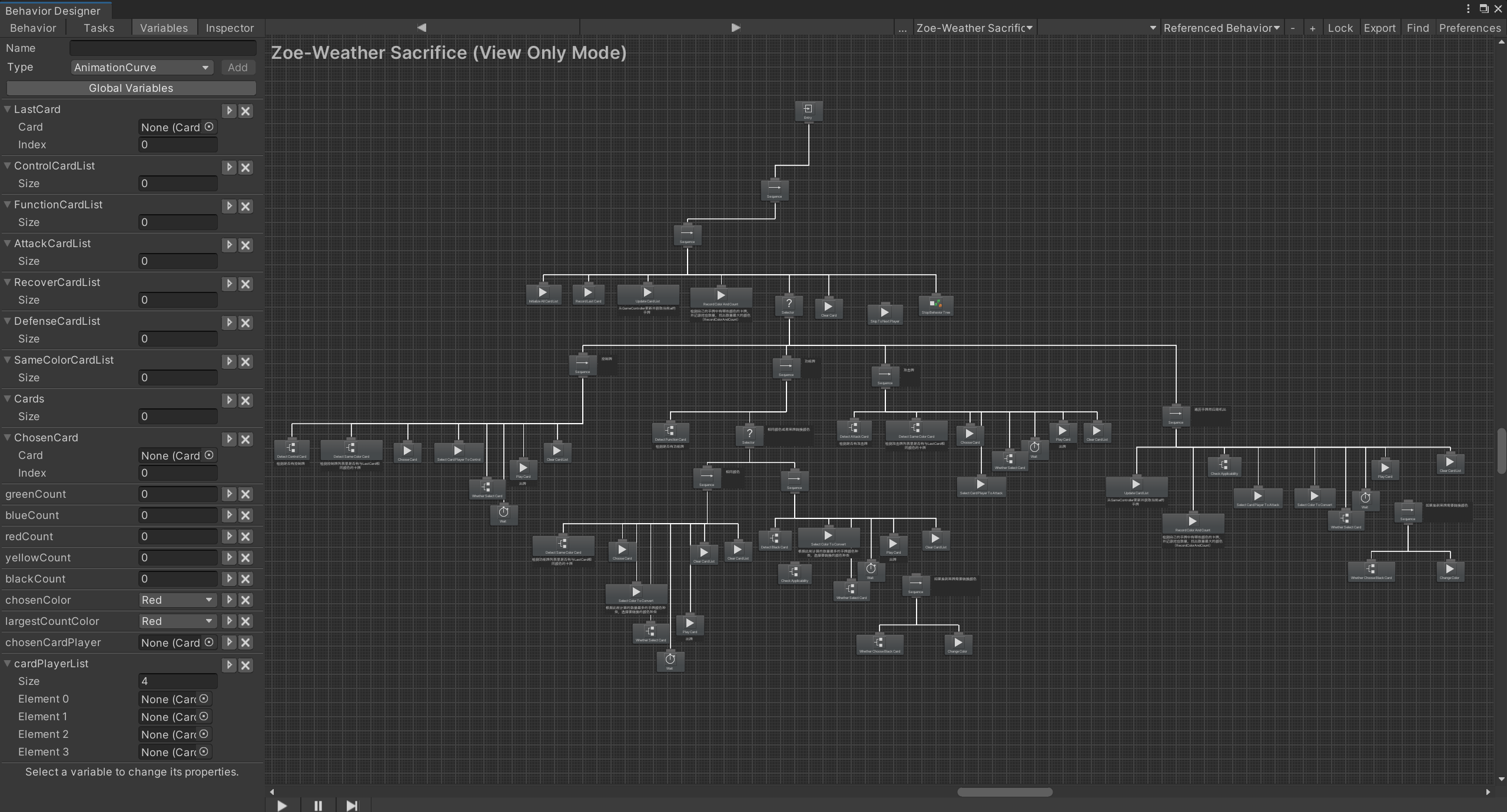
AI Design (Behavior Tree)
Once the basic card types are understood, the AI’s behavioral strategy needs to be defined. Key questions include: How should the AI choose the current color and attack target? When multiple options are available, which color takes priority?
To answer these questions, we first need to define the target gameplay experience: minimize the influence of luck, amplify the impact of player strategy on the outcome, and enhance the player’s sense of control. Therefore, the AI follows this priority: Control > Attack > Shield > Healing. This way, the AI disrupts the player’s play rhythm, prioritizing attacks on players with low HP and few cards, allowing others to carefully plan their card sequences and pull off stunning comebacks even from disadvantaged positions.
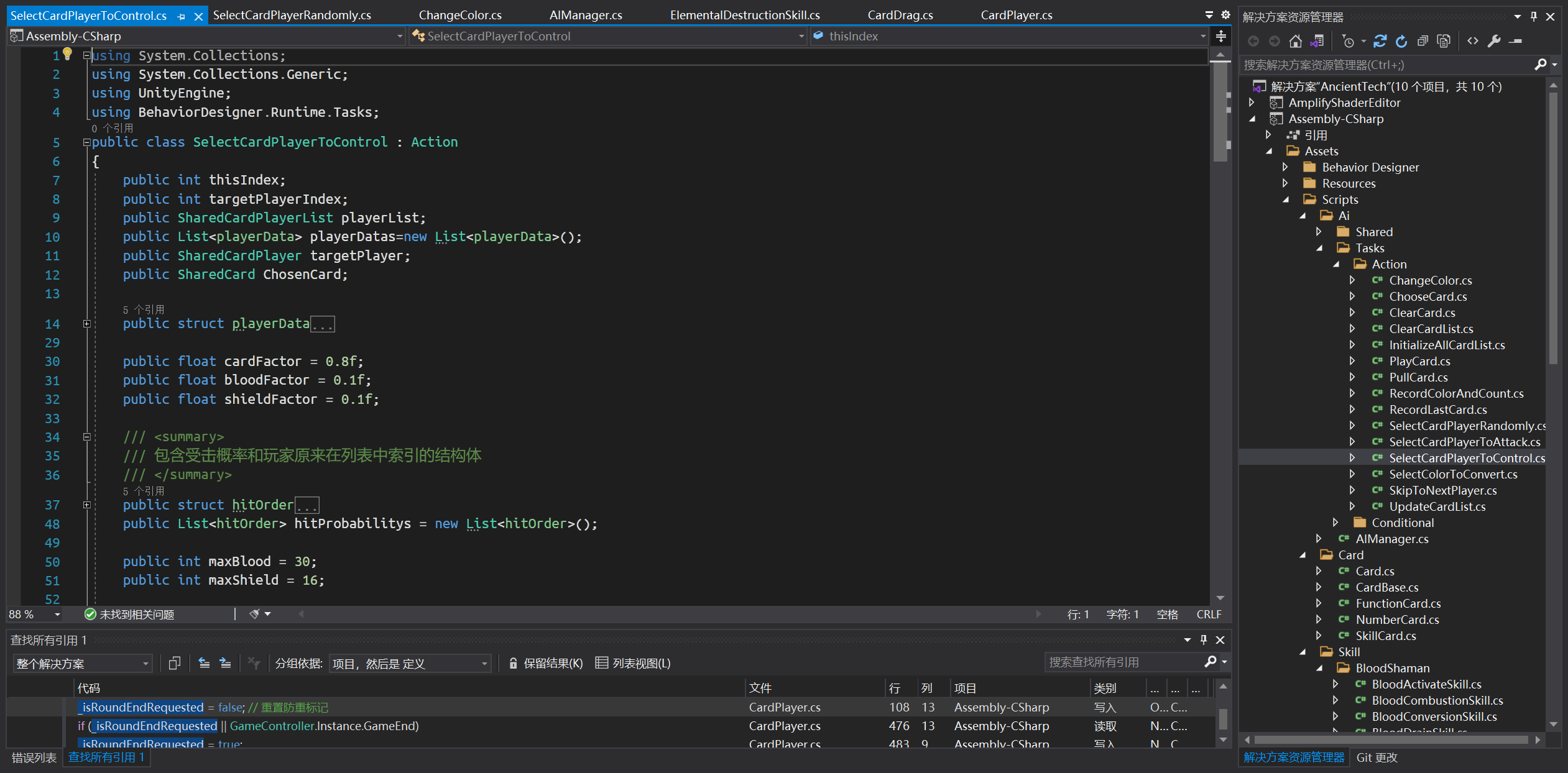
The AI uses all players’ HP, shield values, and remaining card count, assigning weighted probabilities to calculate target selection, as shown in the formula below:

Calculates hit probability and selects card targets for control.
Behavior Tree:
Special Effects
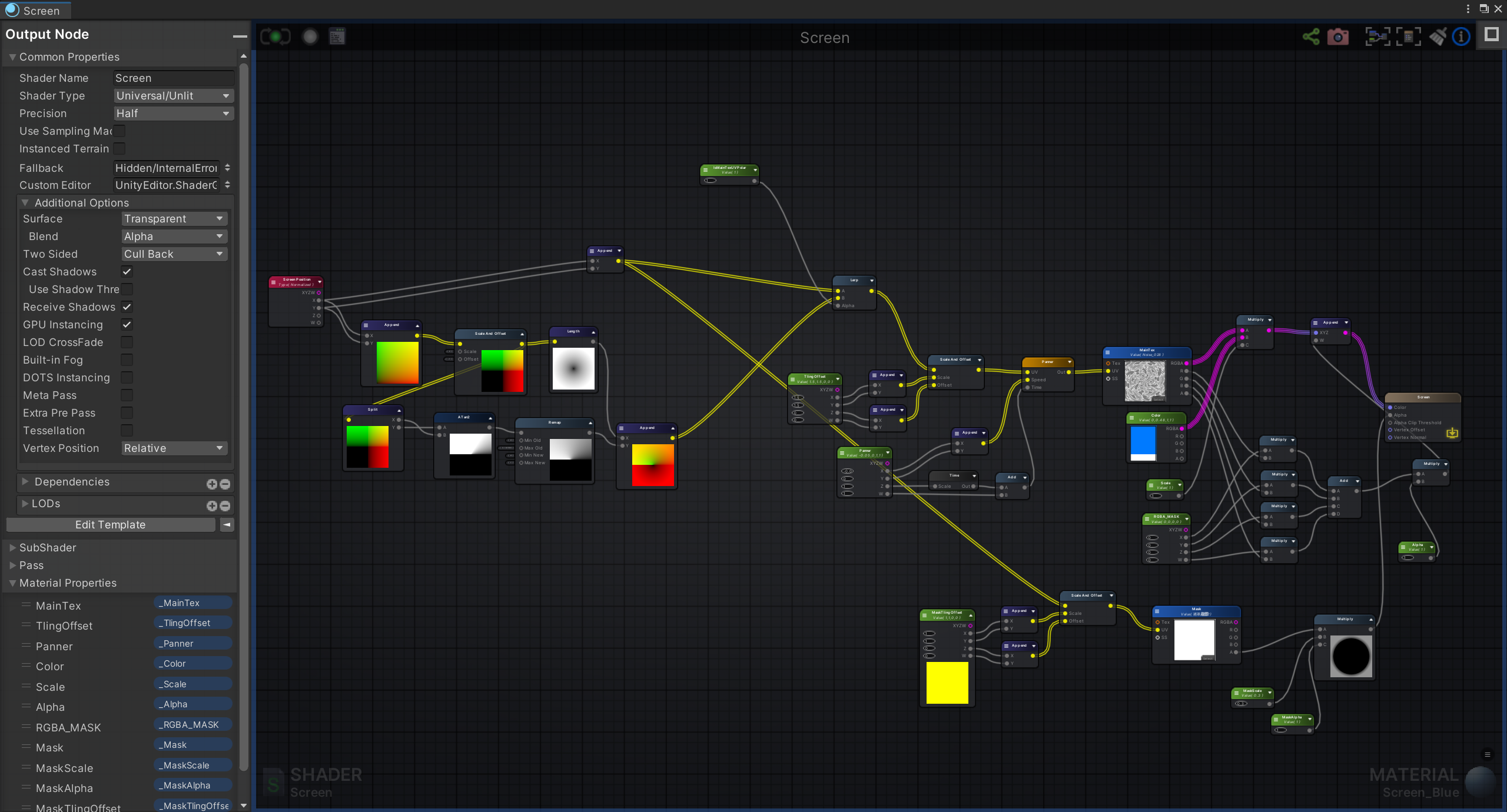
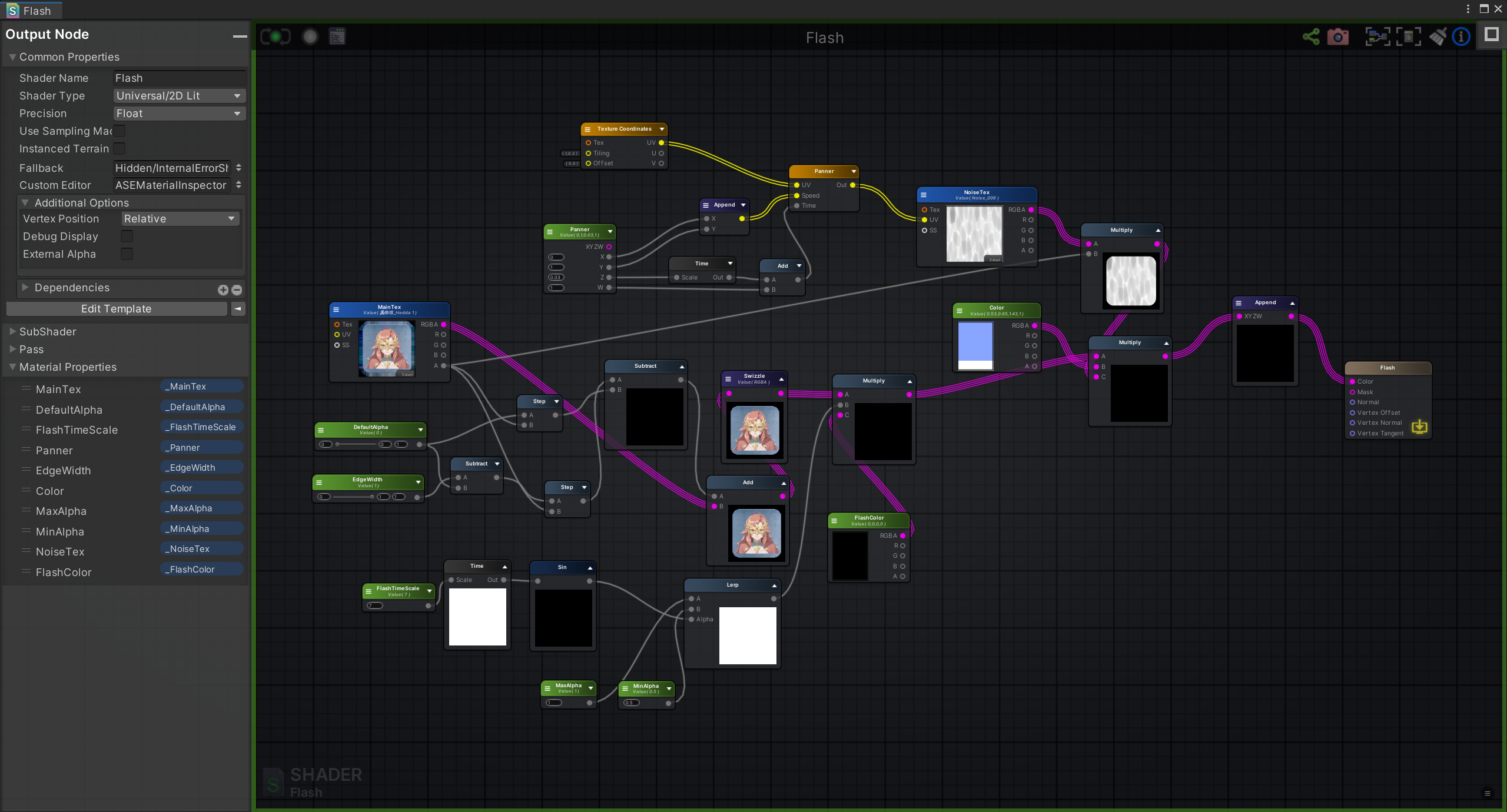
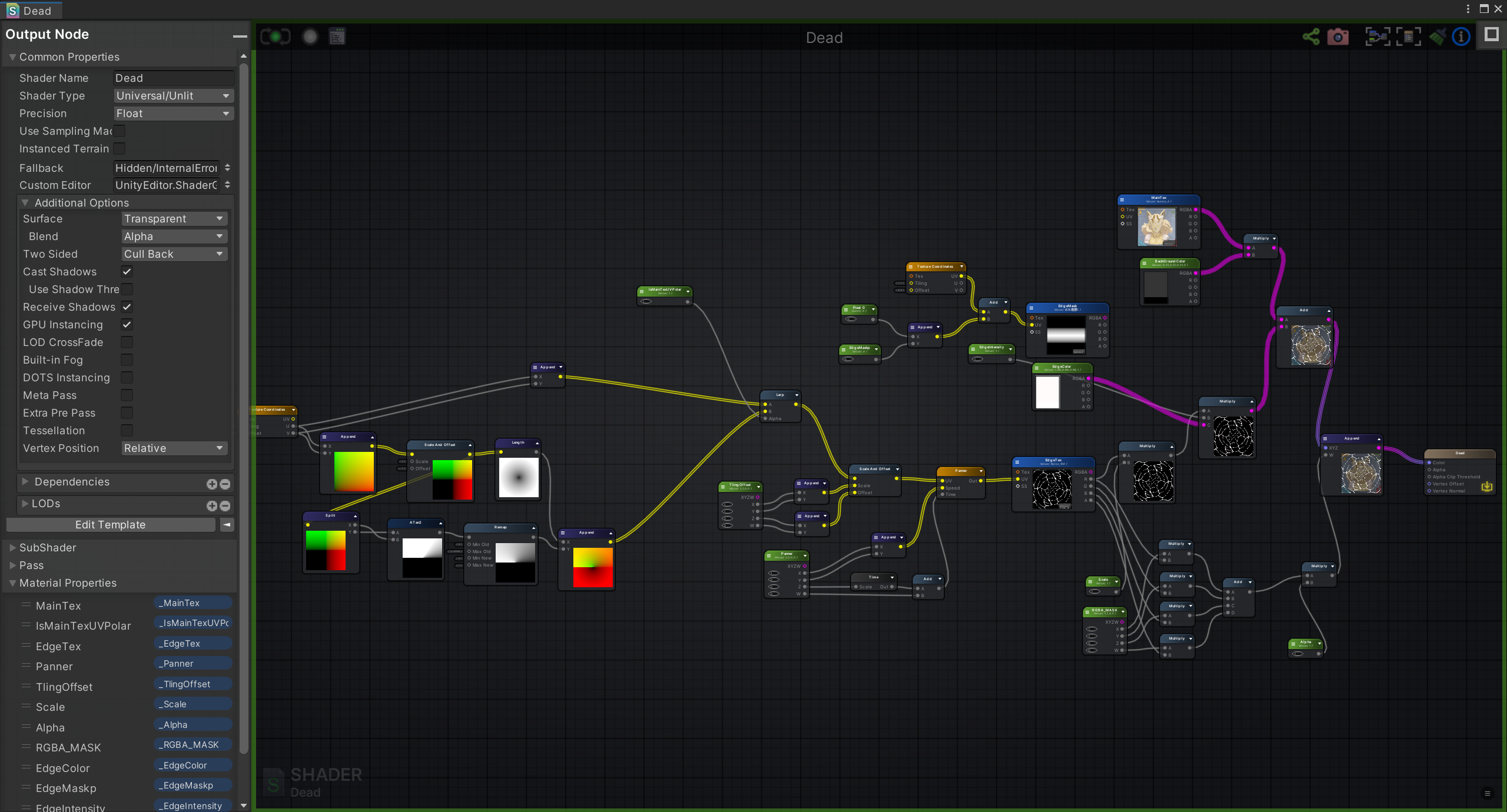
Uses Amplify Shader + particle system to generate effects.
Screen Effects:
Flash Effects:
Defeated Avatar Effect:
Player Feedback & Optimization Direction
Lack of Countermeasures
-
Player Feedback: No way to counter after taking damage. Players who get targeted first are at a disadvantage. Suggestion to add a damage meter or damage adjustment mechanism.
-
Core Problem: No counterplay for damaged players. Early focused fire creates a poor experience, with players eliminated too soon.
-
Solution: Damage Energy Accumulation
- Add a “damage meter” that accumulates energy equal to damage taken.
- Consecutive hits before your turn: subsequent energy is doubled.
- On your turn: consume energy to activate “Damage Adjustment” (increase X damage / offset X damage; X cannot exceed current energy).
-
Goal: Balance early focus-fire attacks; give damaged players the option to counter or defend.
Color Control Too Difficult
-
Player Feedback: Colors are easily “hijacked,” making tactics hard to execute. Avoid directly locking colors; add prediction rewards.
-
Core Problem: Color dominance is easily lost; directly locking colors undermines the value of Wild Cards.
-
Solution: Wild Card Color Prediction
-
Trigger timing: before the player announces a color change after playing a Wild Card or Wild +4.
-
Process: Other players predict the color within 3-5 seconds (offline: hand gesture or prediction card).
-
Reward/Penalty:
- Correct prediction: gain “Color Lock” rights (lock the color for 1 turn on the next Wild Card/Wild +4 use).
- Wrong prediction: skip your turn (cannot play cards).
- No prediction: proceed normally.
-
-
Goal: Improve color control ability; preserve the value of Wild Cards; increase strategic depth.
Resource System Design Issues
-
Player Feedback: Add a resource bar that accumulates points through damage taken (consecutive hits double the points). When full, exchange for a skill card of any chosen color.
-
Core Problem: Skill card acquisition is unreliable; taking damage only has negative effects (no risk-reward balance).
-
Solution: Damage to Resource to Skill link
- Resource bar cap: 20 points (accumulated only through taking damage; shared meter rules).
- Accumulation: points = damage value; consecutive hits double subsequent points.
- Consumption: when full, exchange for 1 skill card (choose from Wind/Rain/Fire/Thunder).
- Supplementary rule: once the bar is full (unspent), no more points are gained from taking damage.
-
Goal: Convert damage into a resource; form a counter-play loop; enrich strategic choices.
Possible Iteration Directions
- Add multiplayer mode for comprehensive player testing and feedback collection.
- Enhance skill readability through UI elements, special effects, and visual cues.
- Add a friendly onboarding flow for new players unfamiliar with UNO.