Inspiration
An anti-vampire survivor RTS rebuilt from the Ludum Dare 55 prototype, centered on simplified movement, multiple summoning inputs, enemy waves, and a tight feedback loop.
You are a reborn demon king, wielding basic demon summoning spells. Ancient incantations call out to you — master them all to crush the invading heroes, push through villages, towns, and even the royal capital, seize control of the world, and open the gates of the underworld. Earn experience through combat, strengthen your summoning spells and the monsters you summon, and crush your enemies.
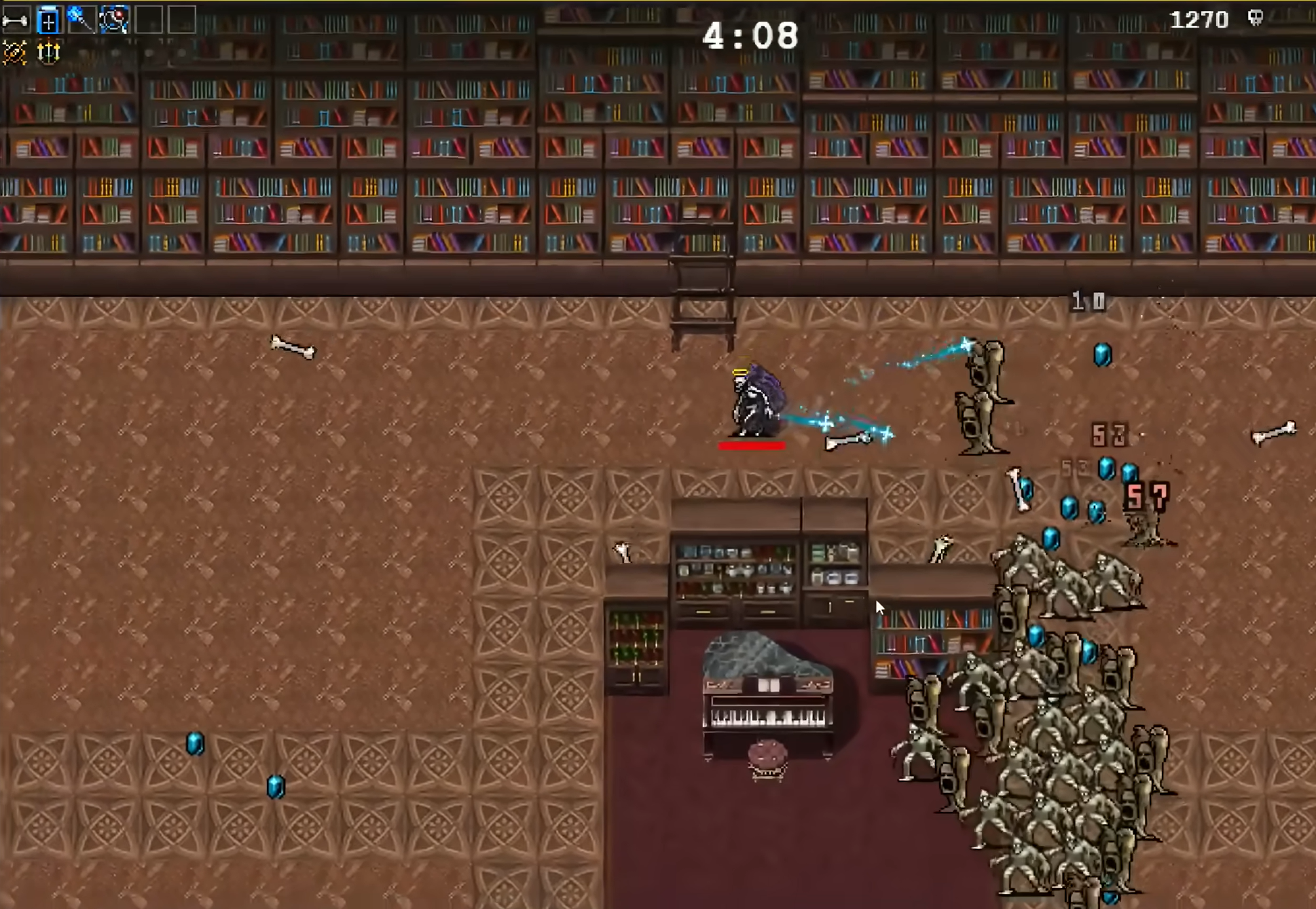
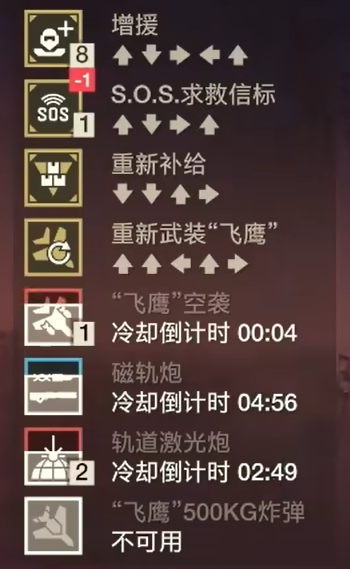
The game draws partial inspiration from Vampire Survivors, with the command input system referencing Helldivers 2.
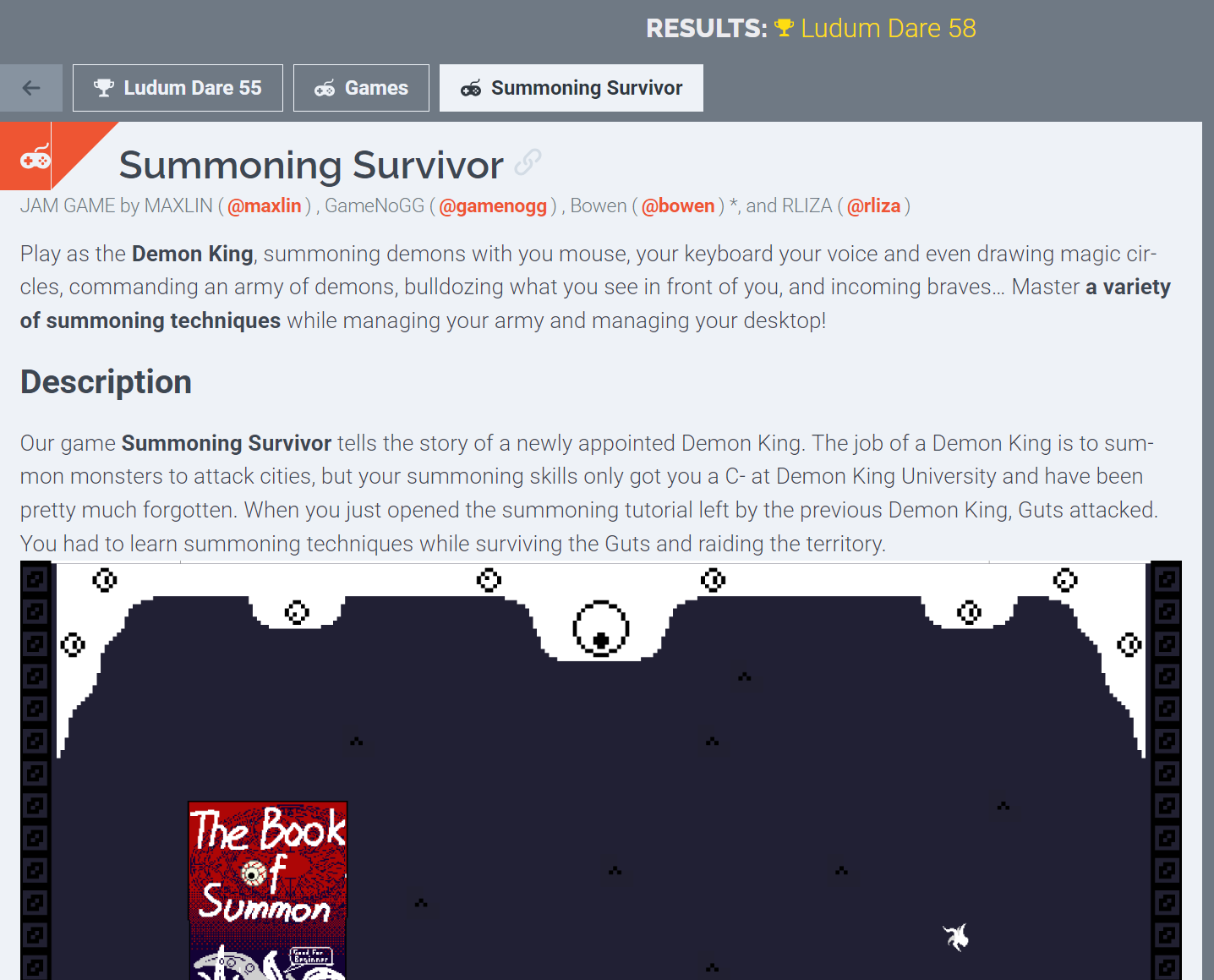
This project is a remake of the original Ludum Dare 55 demo. See Summoning Survivor | ldjam.com | Ludum Dare game jam. The new version adds more art assets, optimizes the program architecture, and introduces new features and a tutorial system.
Game Scene
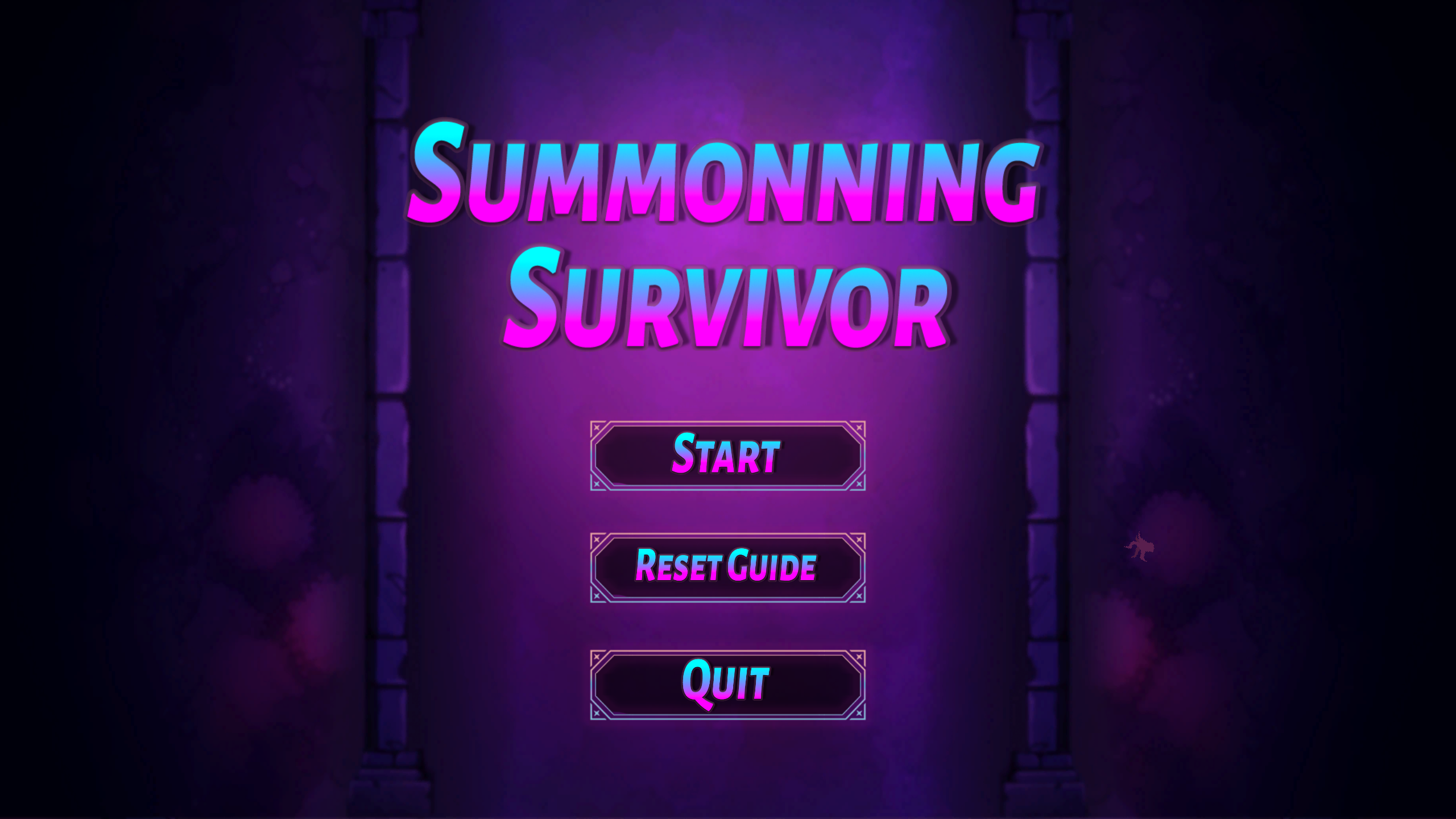
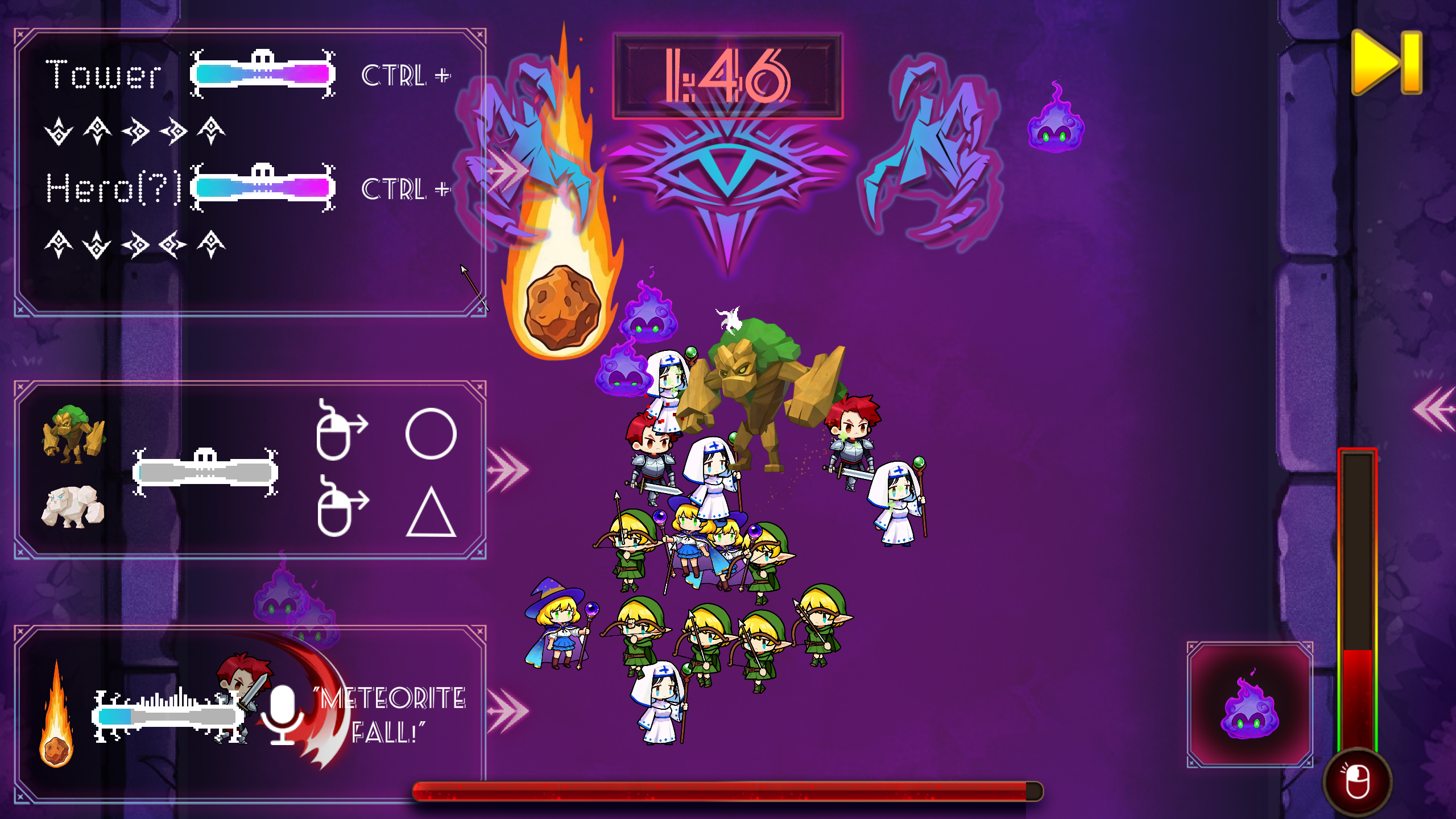
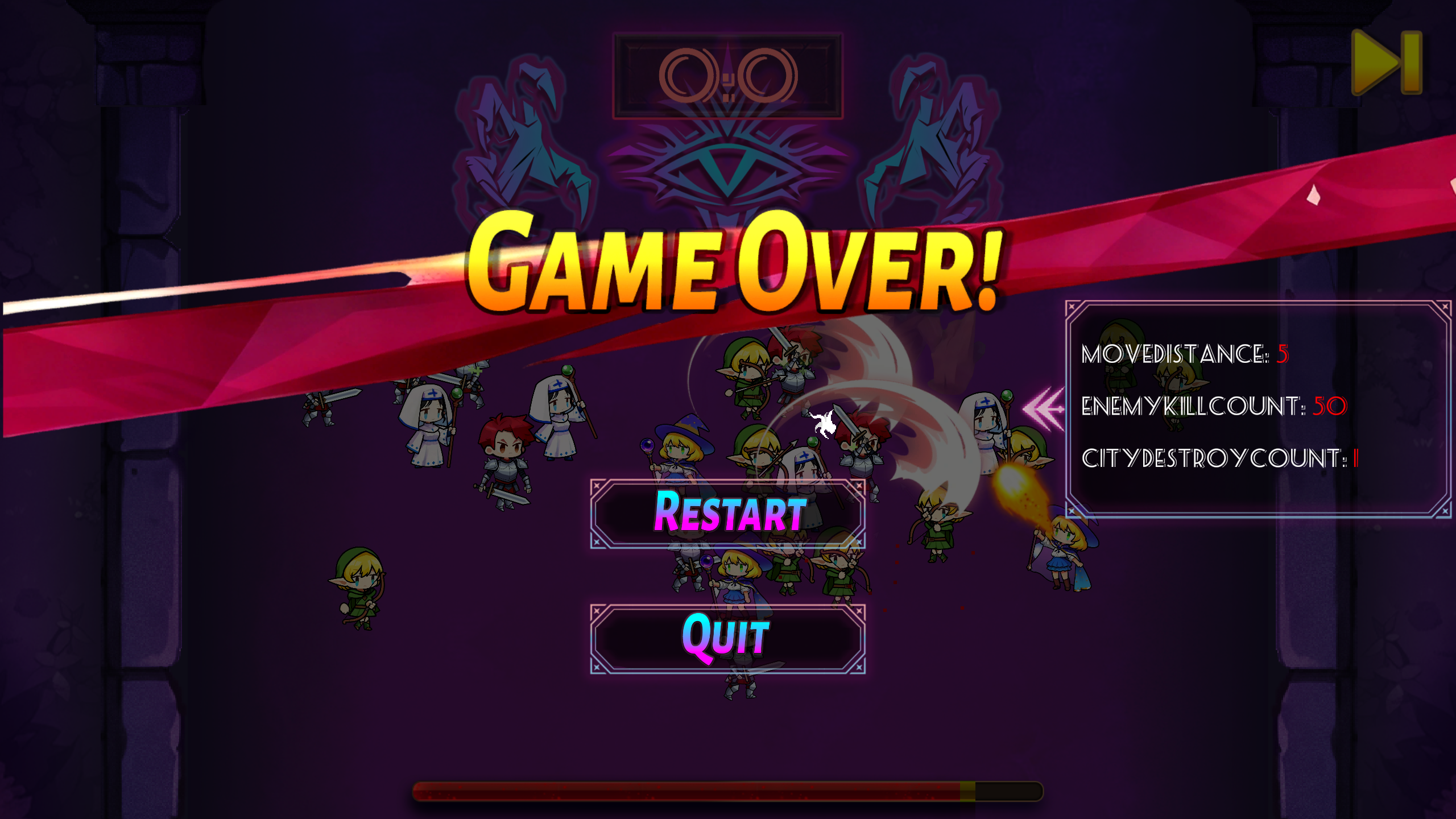
Turning the Tables: The Demon King's Summoning Battlefield
The player takes on the role of the demon king, summoning monsters on the battlefield to fend off advancing heroes. The three scenes show the starting screen, the match in progress, and the ending screen.
UI Design
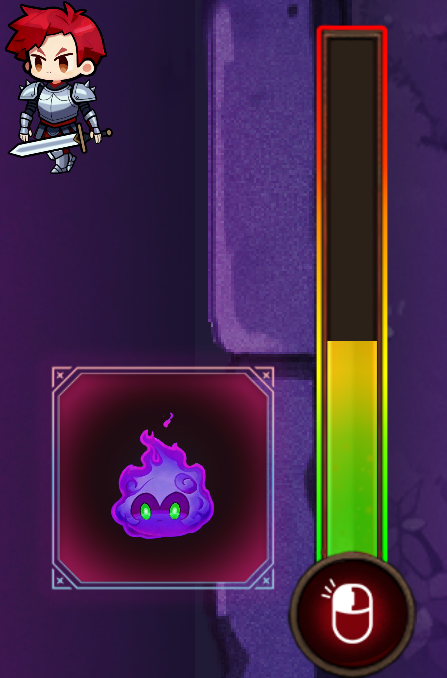
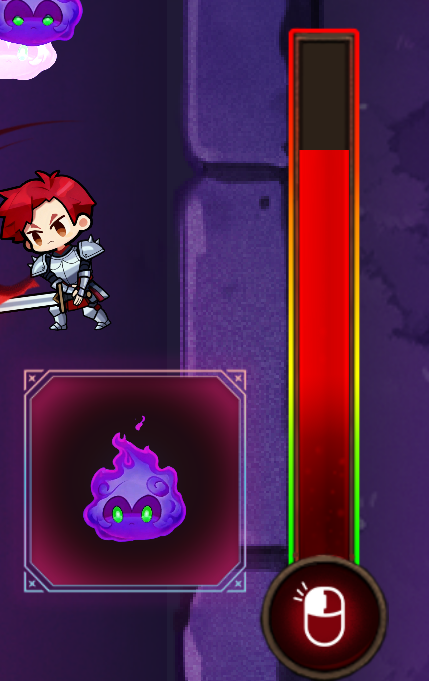
Design goal: Let players understand the summoning rhythm through cooldown bars and overheat feedback, without reading lengthy instructions.
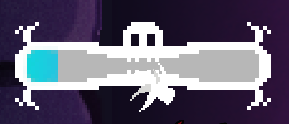
Cooldown Bar
Shows gray while on cooldown. When the bar is full, the skill is ready.

Overheat Bar
Turns red when full, preventing left-click summoning until it cools down.
Window Slide
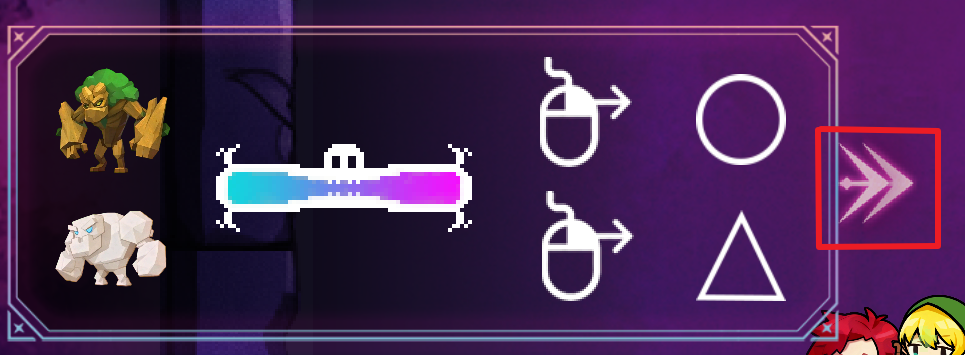
Clicking this button slides the window in or out.
Controls
- W / S: Move the demon king forward and backward
- A / D: Switch the monster type for left-click summoning
- Left mouse button: Execute left-click summon
- Right mouse button: Hold and draw a circle or triangle for shape-based summoning
- Ctrl + Direction keys: Hold Ctrl and press the corresponding direction key (WASD maps to up, down, left, right) to complete a command input summon
- Microphone: Say “Meteor Strike” into the microphone for voice summoning
Gameplay
Goal
Control the demon king to advance, learn and master different summoning spells, and eliminate as many enemies as possible before the countdown ends.
Flow
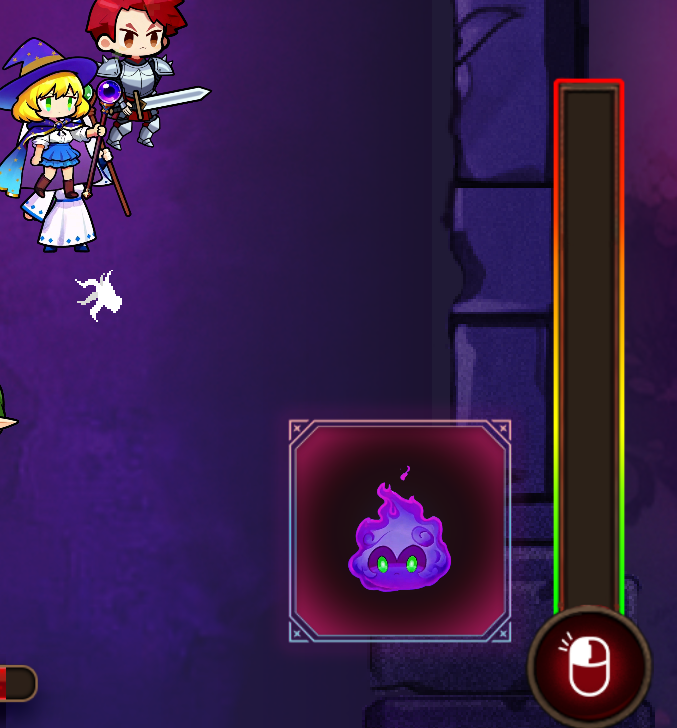
Use WASD to move the demon king and switch summon types. Unlock different summoning spells over time. Use left-click summoning, shape drawing, command input, and voice input as prompted. Summon monsters to fight enemies (heroes), destroy towns, and prevent enemies from getting too close to avoid taking damage.
Summoning Methods
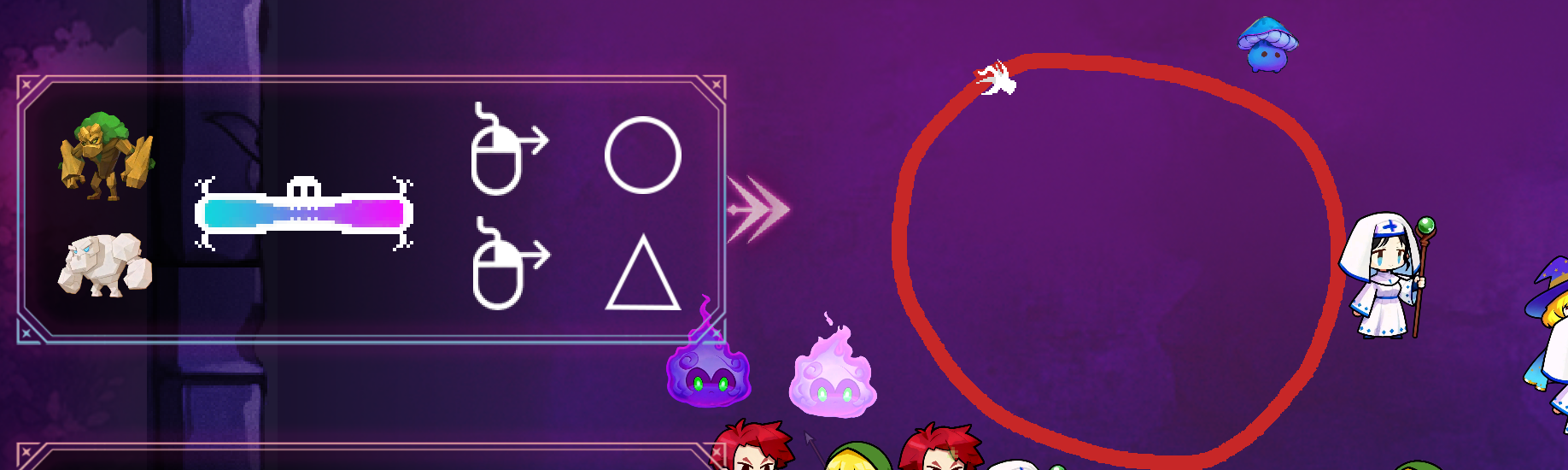
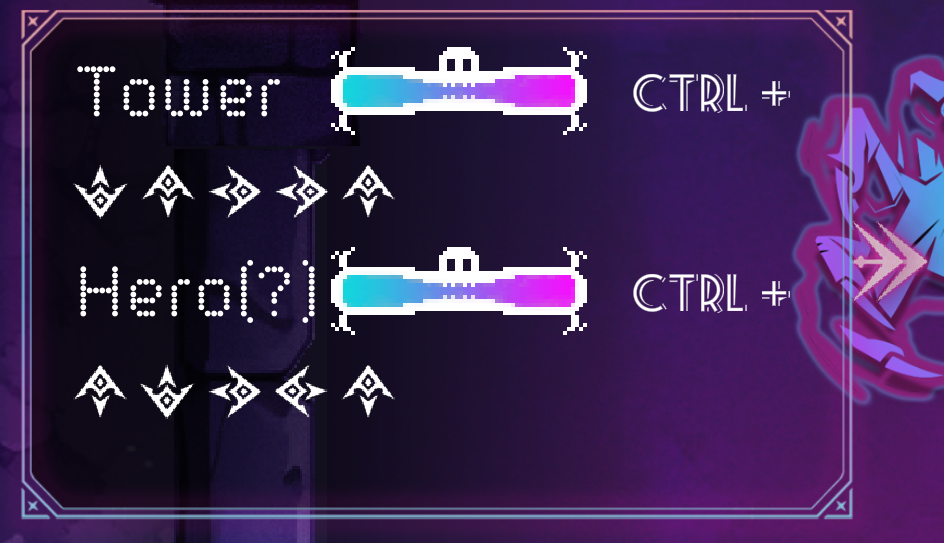
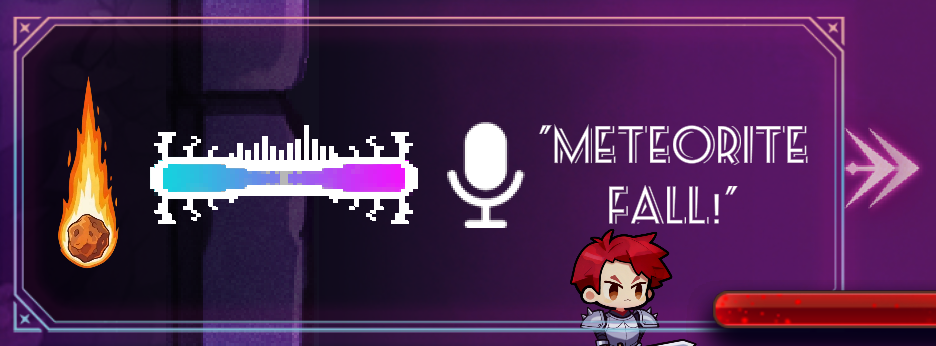
Production Process
Programming
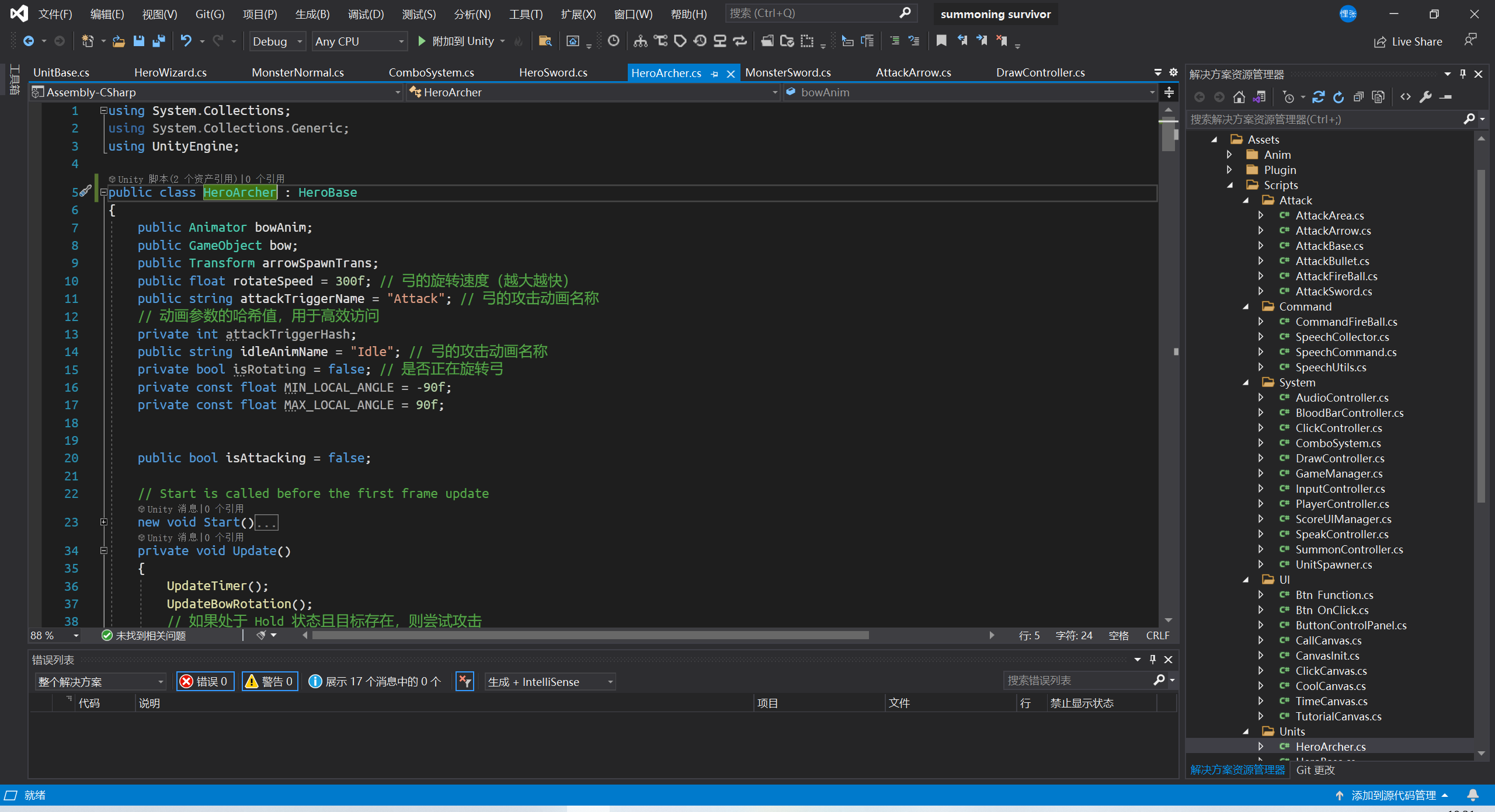
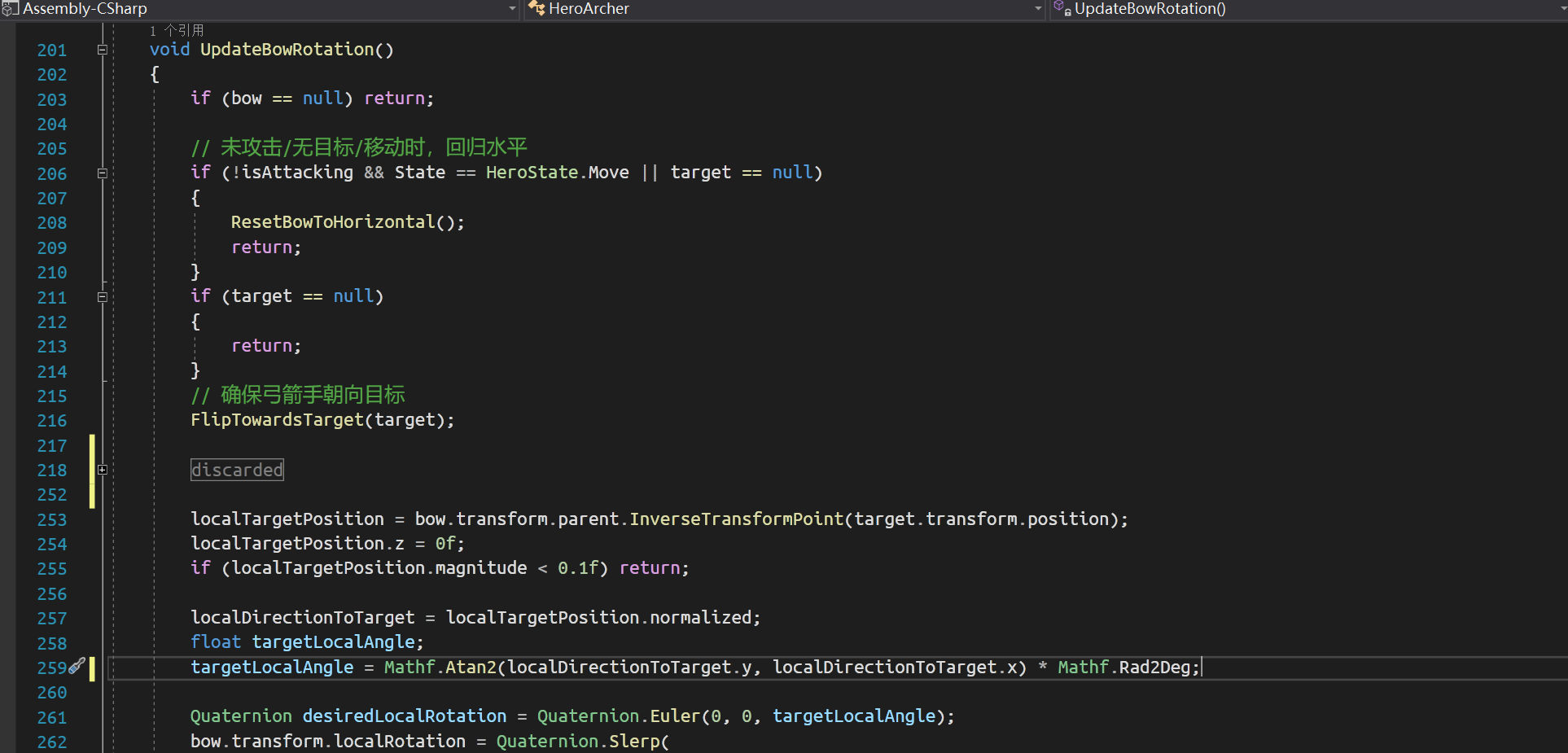
Archer Code Optimization: Bow arm rotation
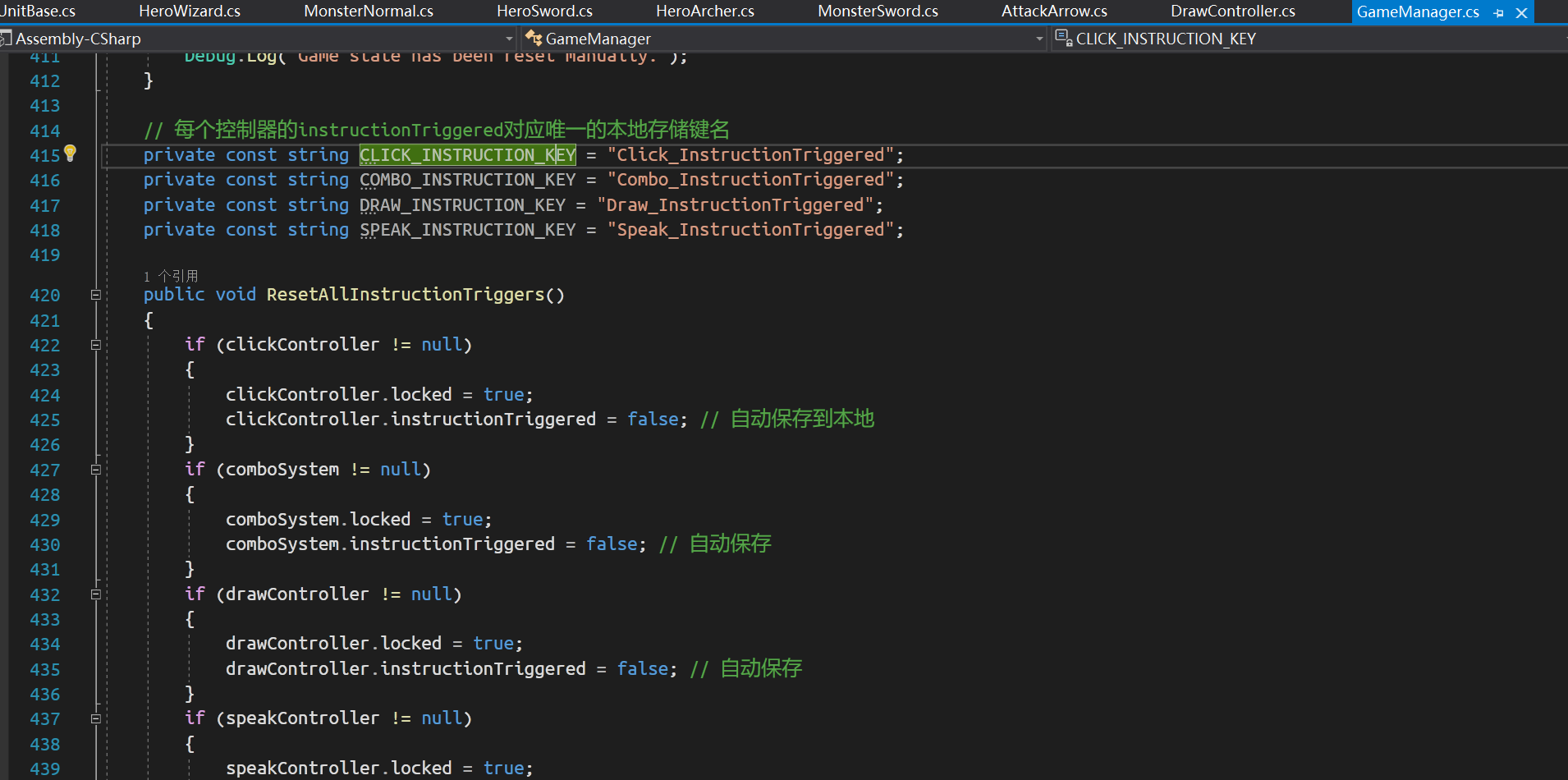
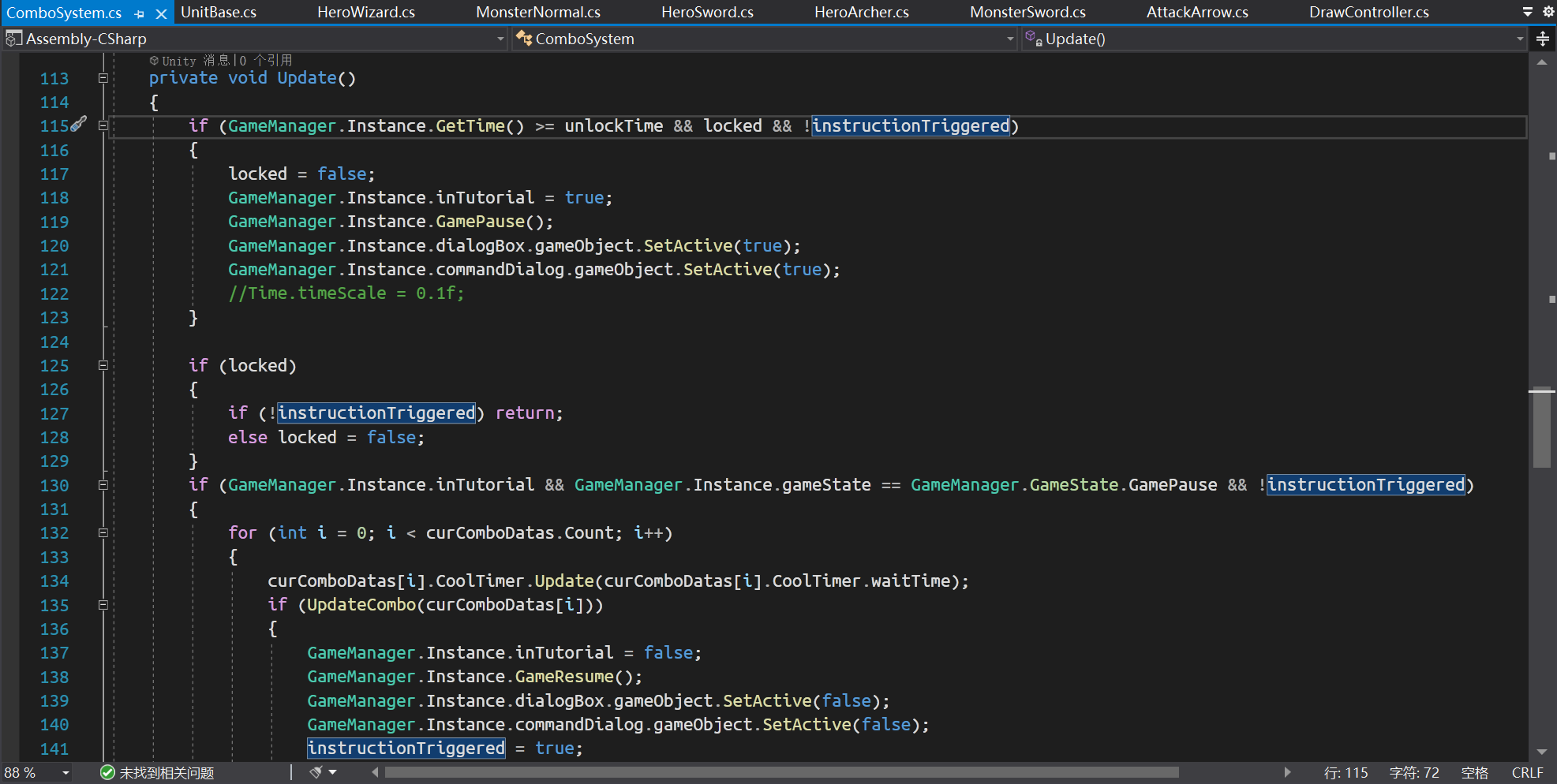
Tutorial System
Animation
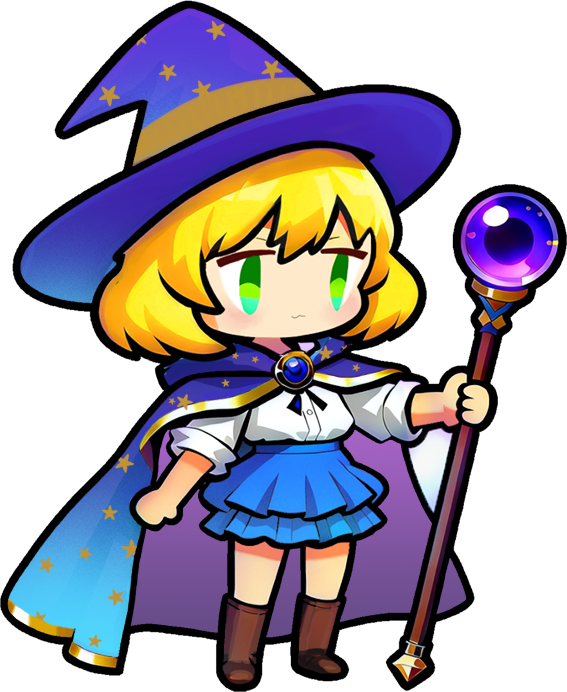
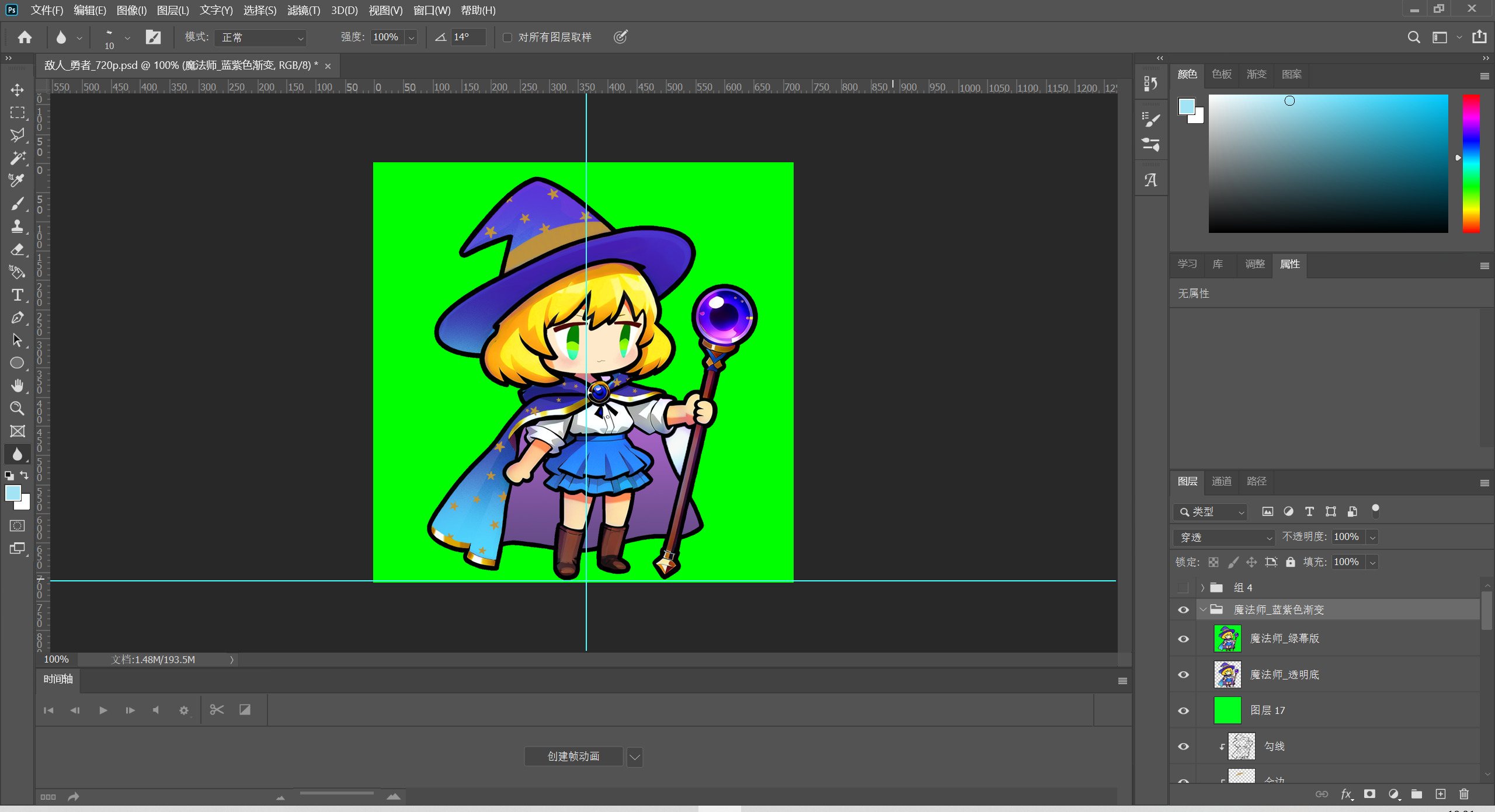
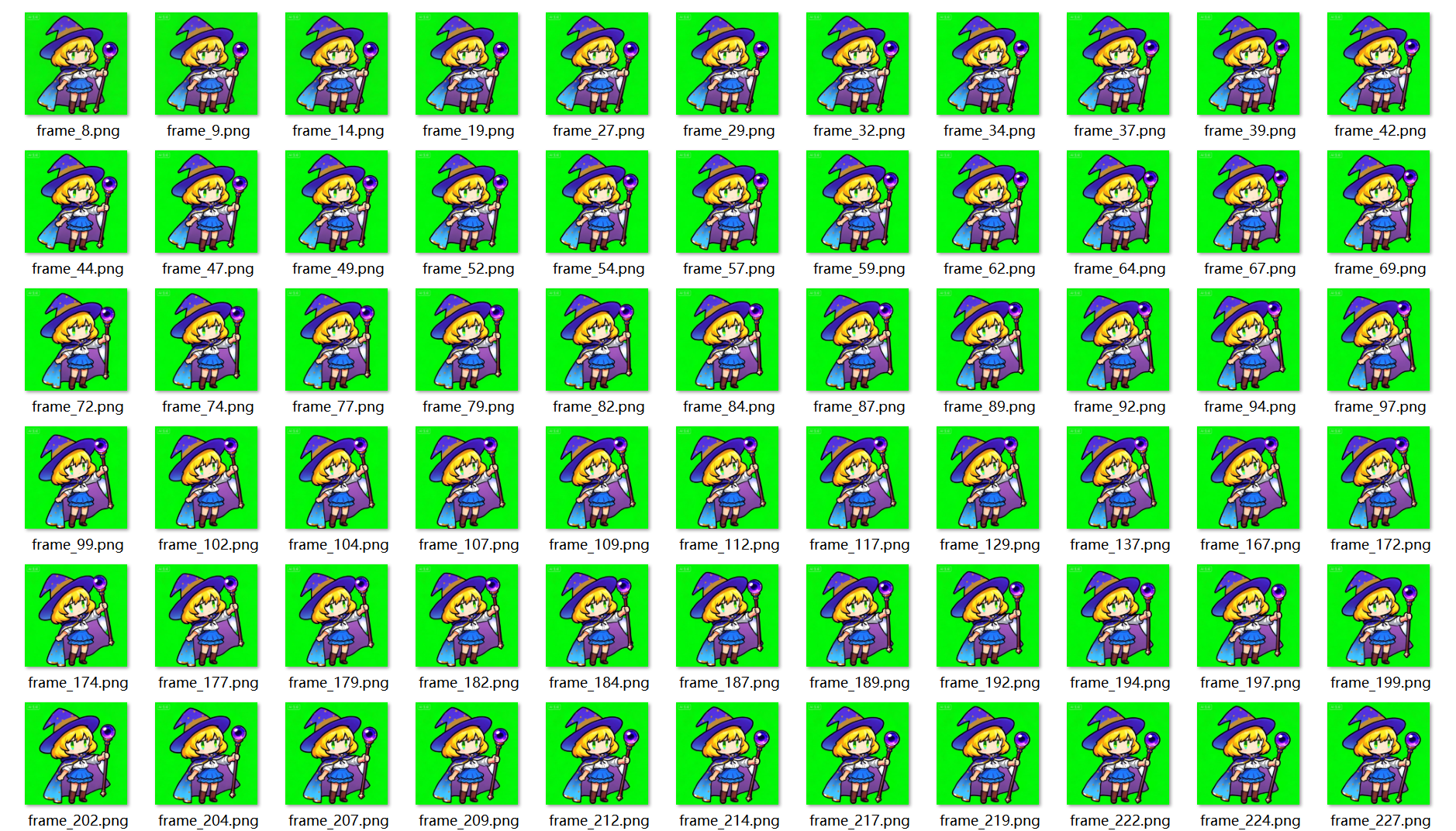
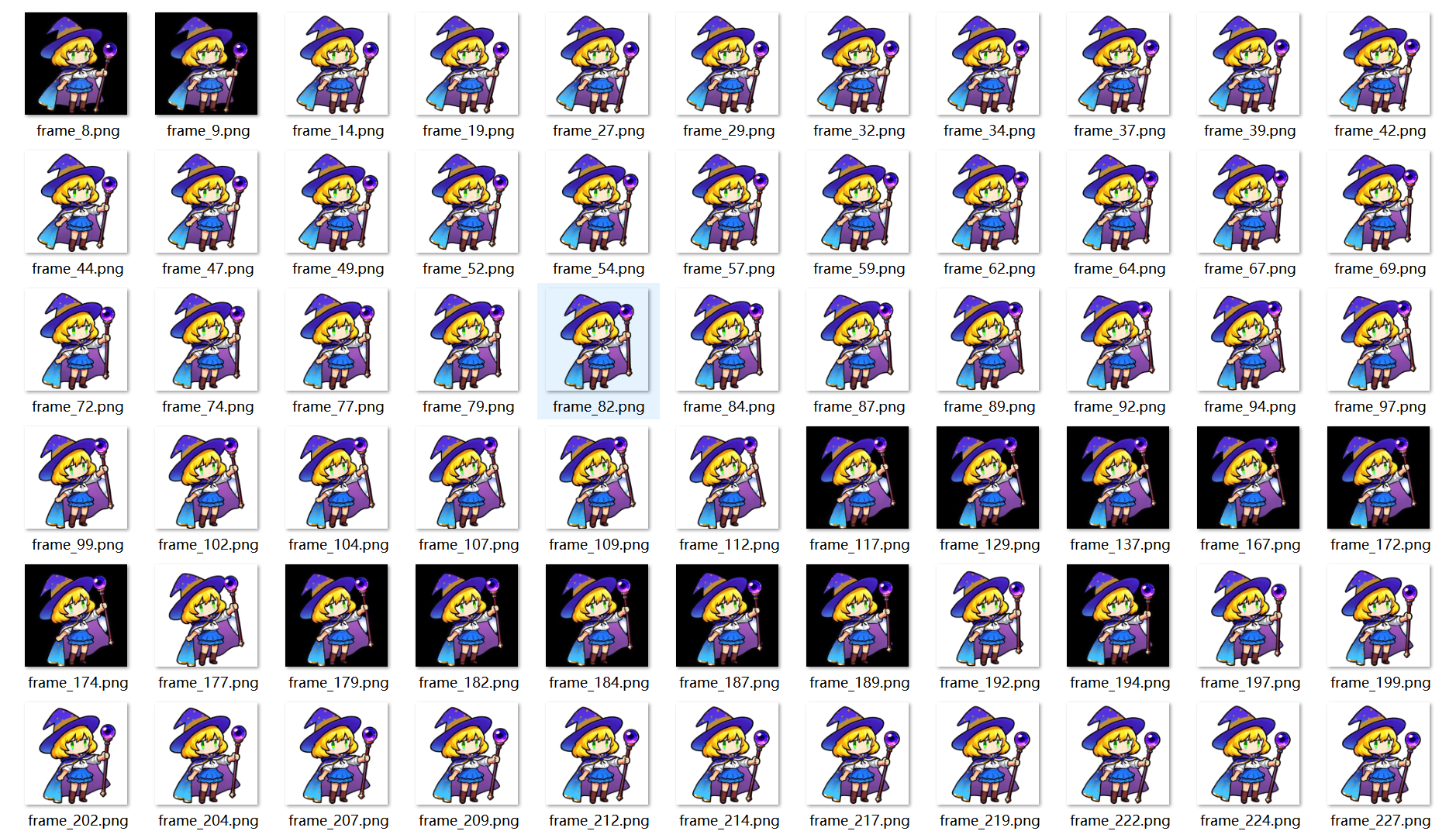
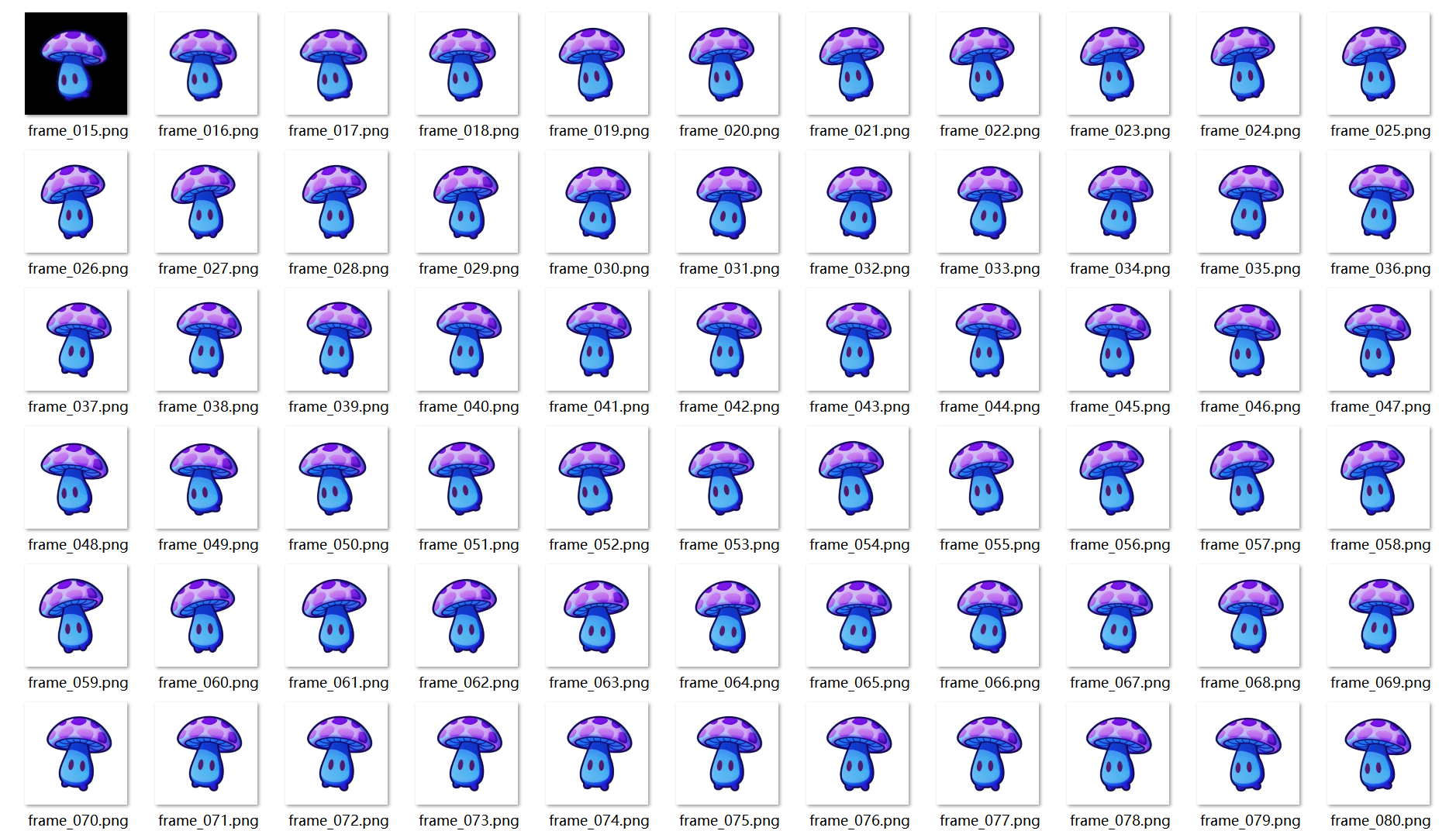
This project made extensive use of AGI for its art remake, especially in animation production, using an AI animation + Spine workflow. The specific pipeline is as follows:
Method 1: AI Animation Pipeline
- Draw or generate monsters and characters from line art.
- Modify images in Photoshop.
- Input reasonable prompts and use AGI to generate animations through multiple iterations.
- Use a frame extraction tool to process the animation into frame sequences and select suitable segments.
- Use AI background removal to remove the green screen.
- Configure the animation in Unity and adjust the visual results.

Method 2: Spine Skeleton Binding Pipeline
- Draw or generate characters from line art.
- Modify images in Photoshop.
- Import into Spine for processing (including selecting, adding and binding bones, setting IK, etc.), set keyframes, and generate attack and walking animations.
- Import into Unity and configure.
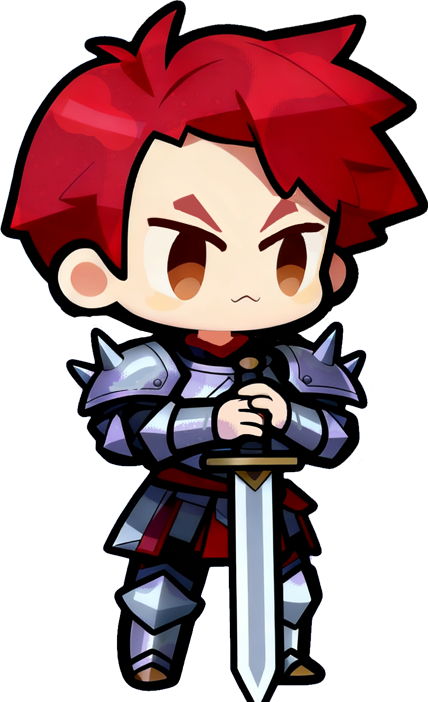
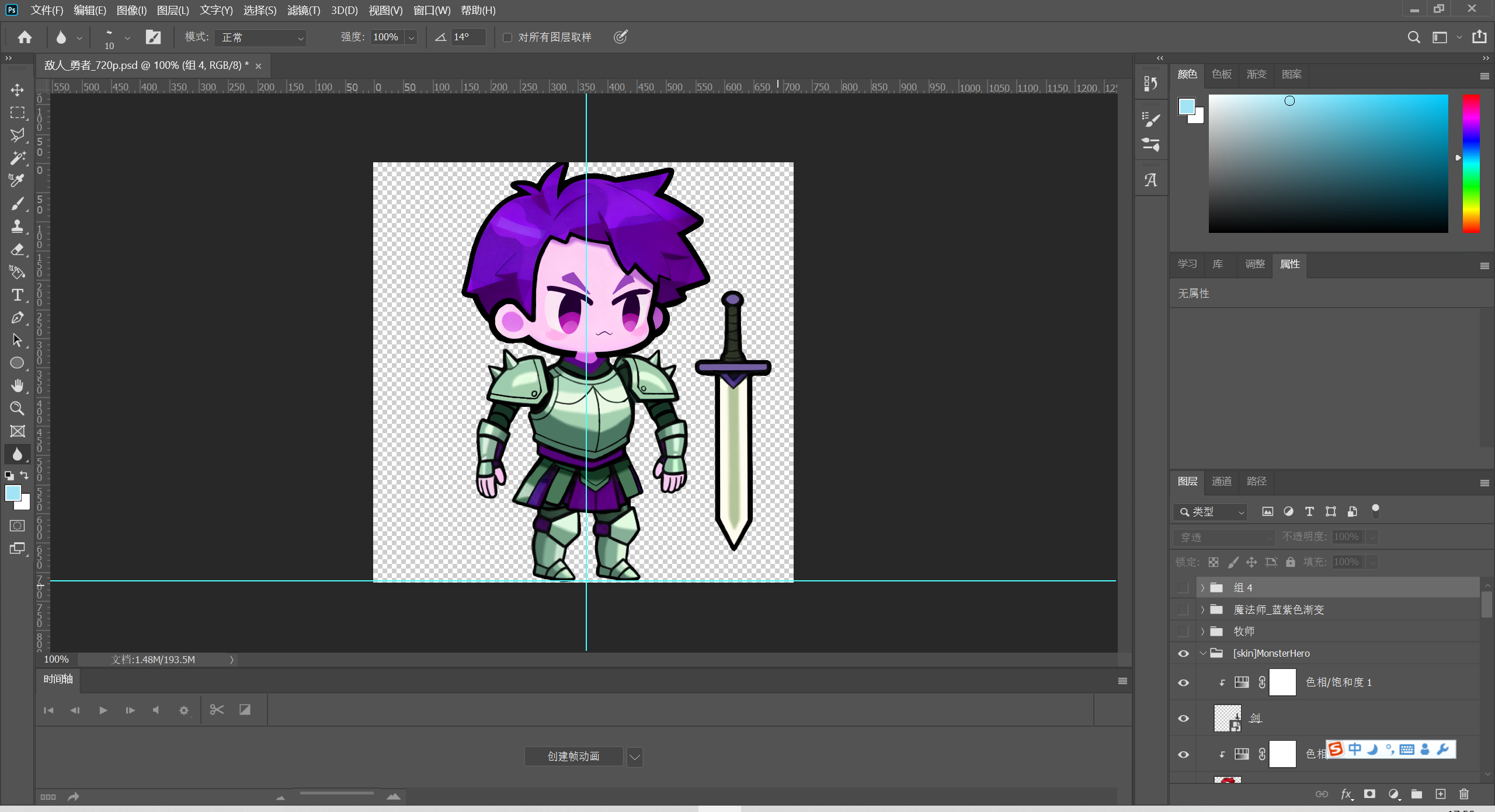
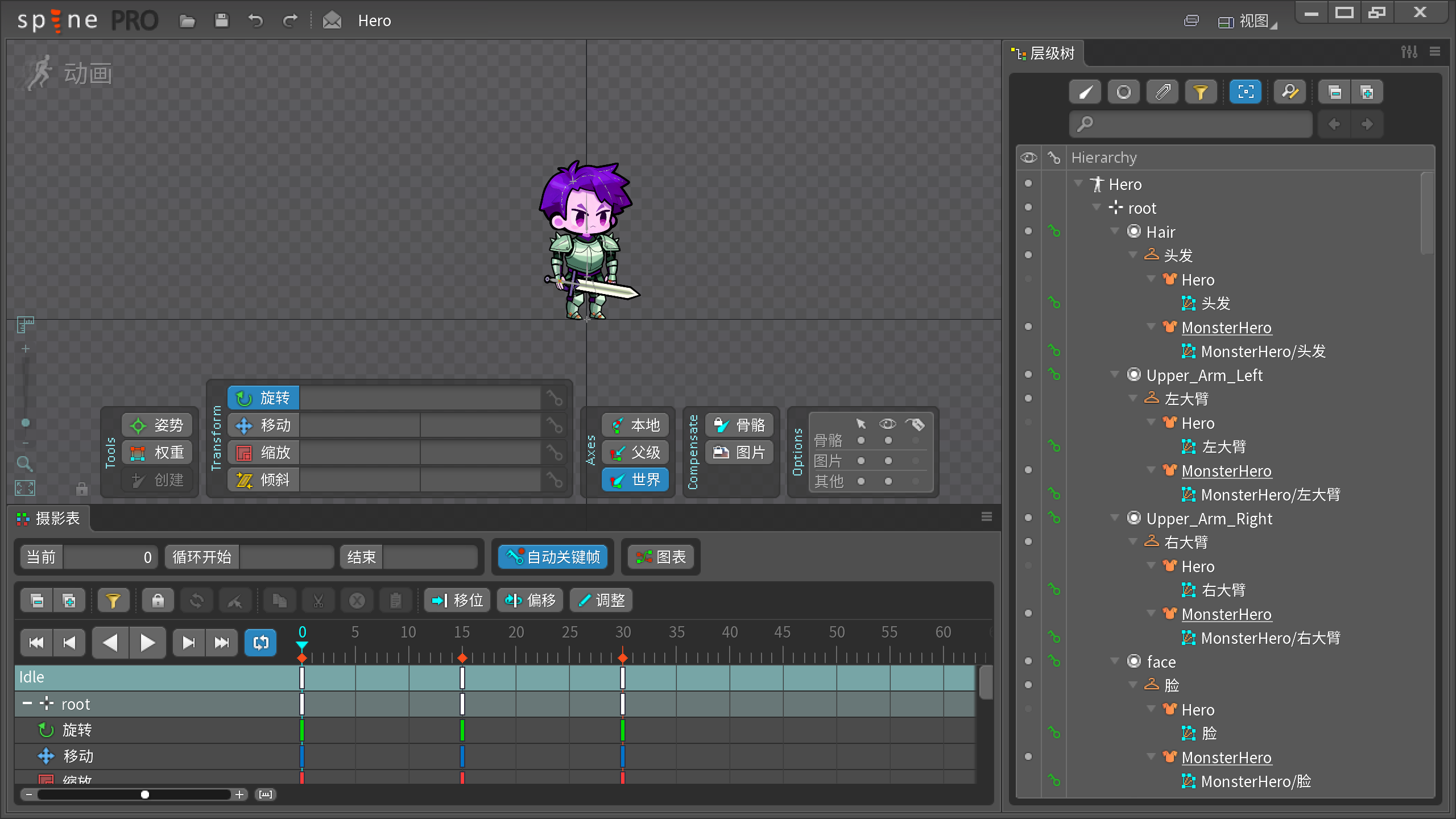
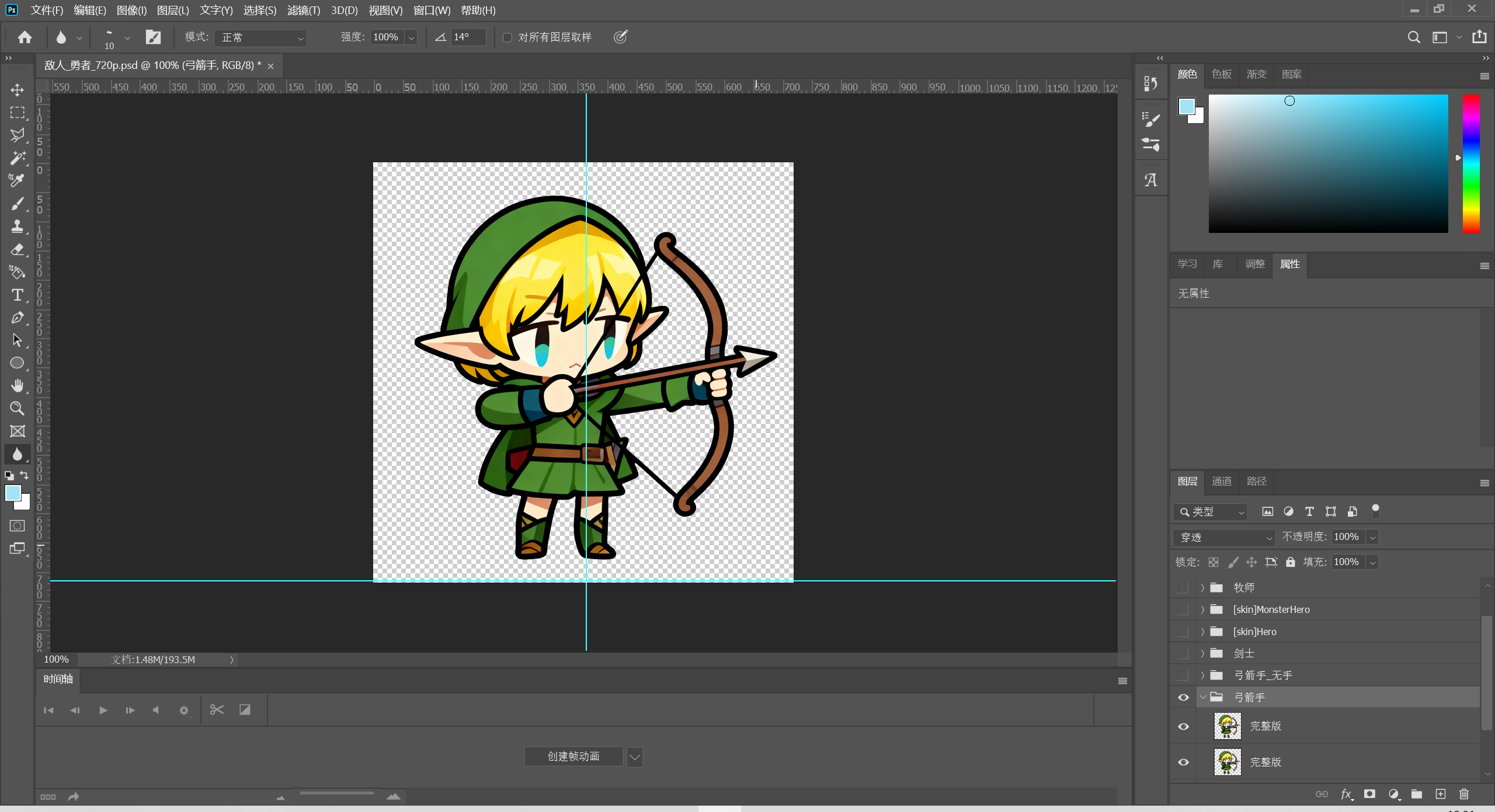
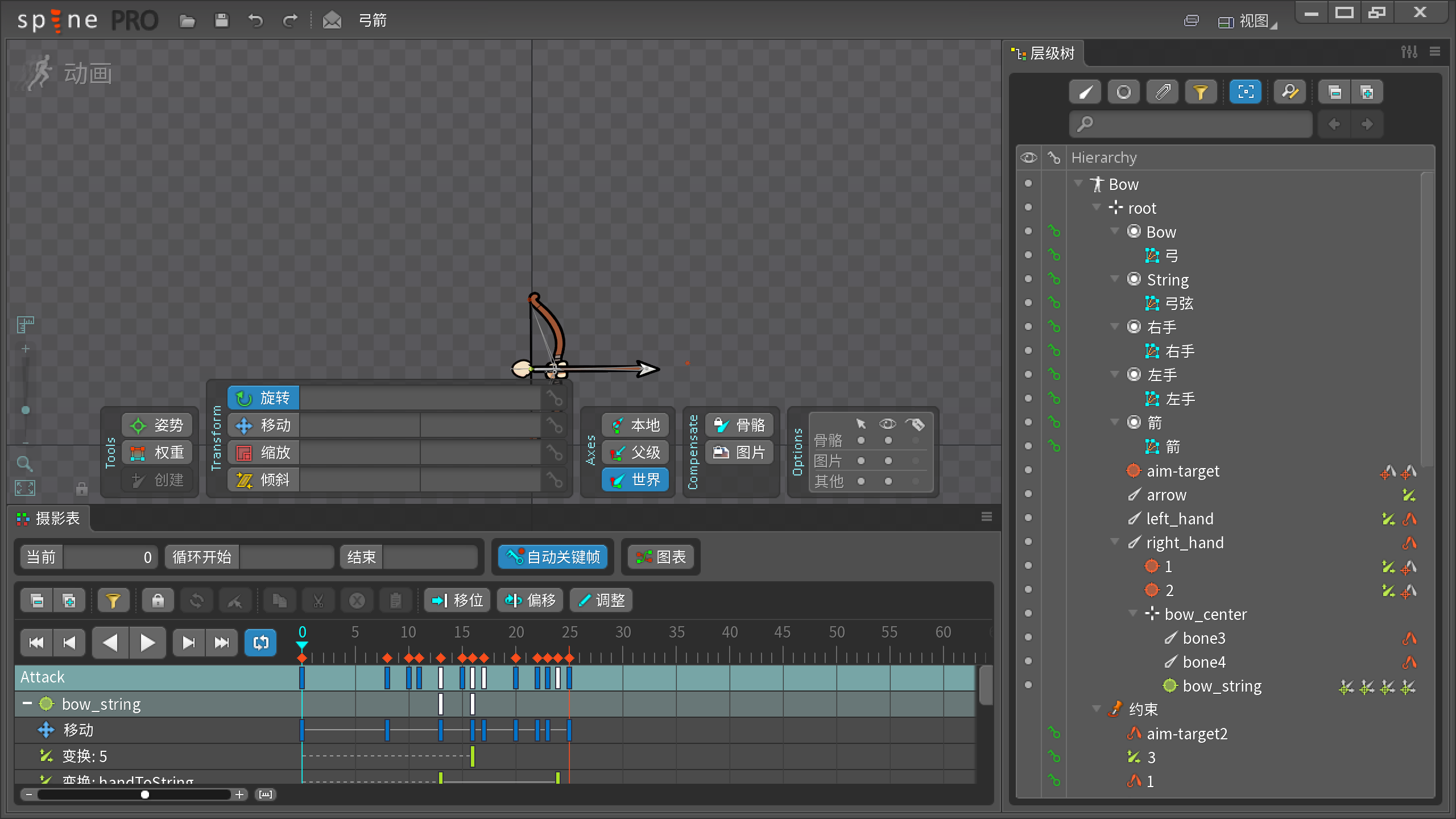
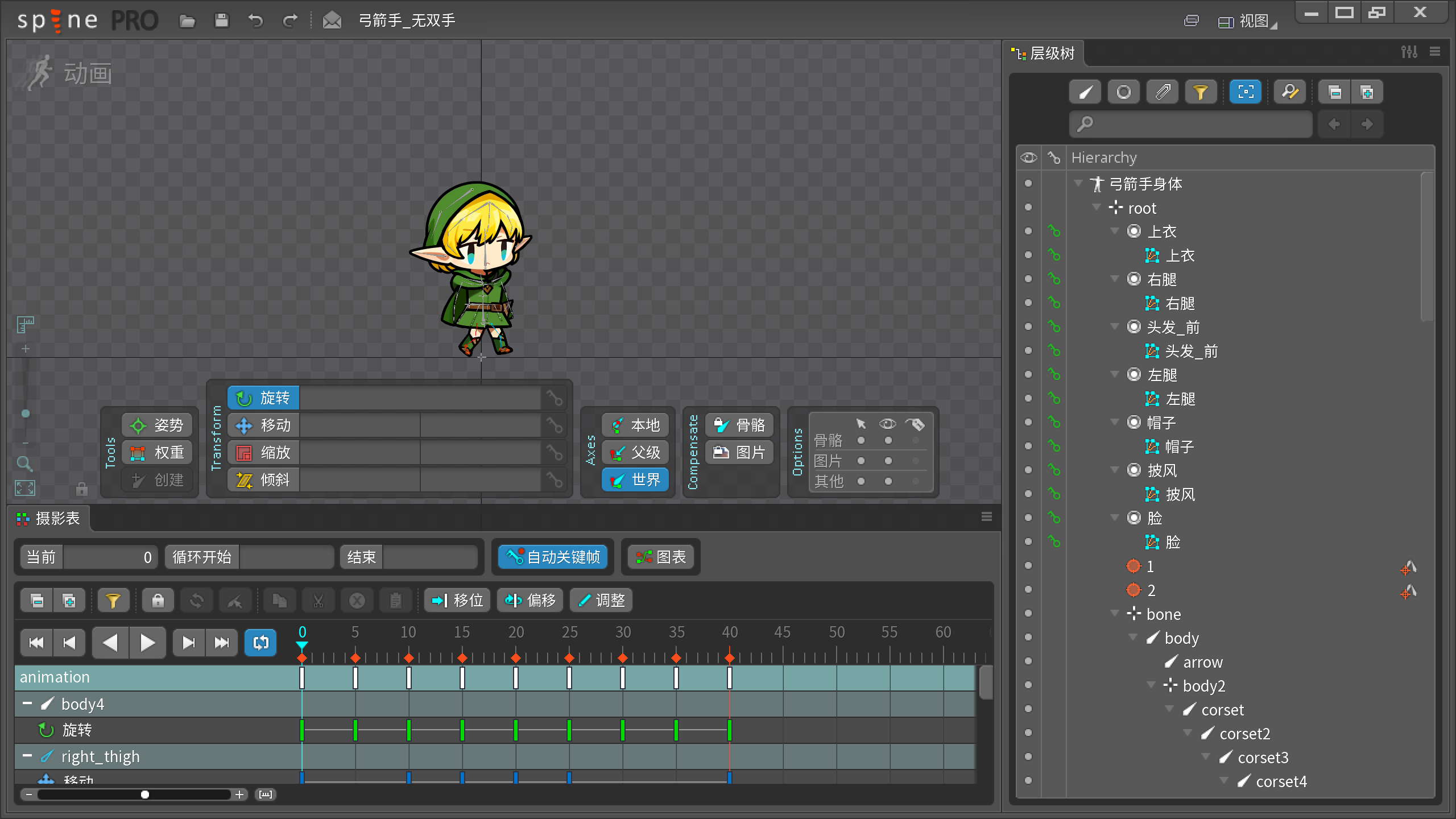
Summary: The use of AGI significantly improved development efficiency.
VFX
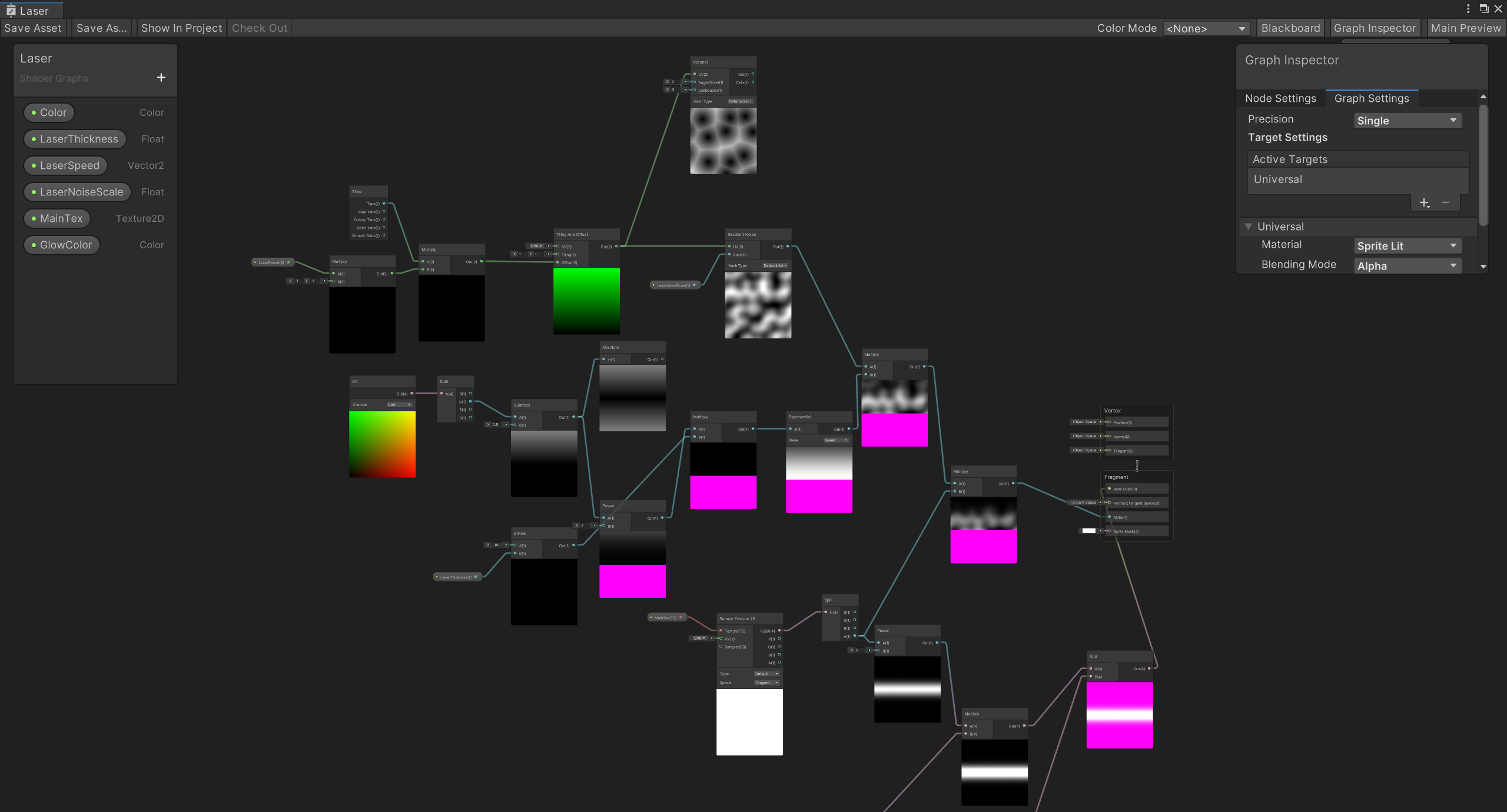
Some effects were made using Shader Graph + Particle System (with textures).
Player Feedback and Optimization
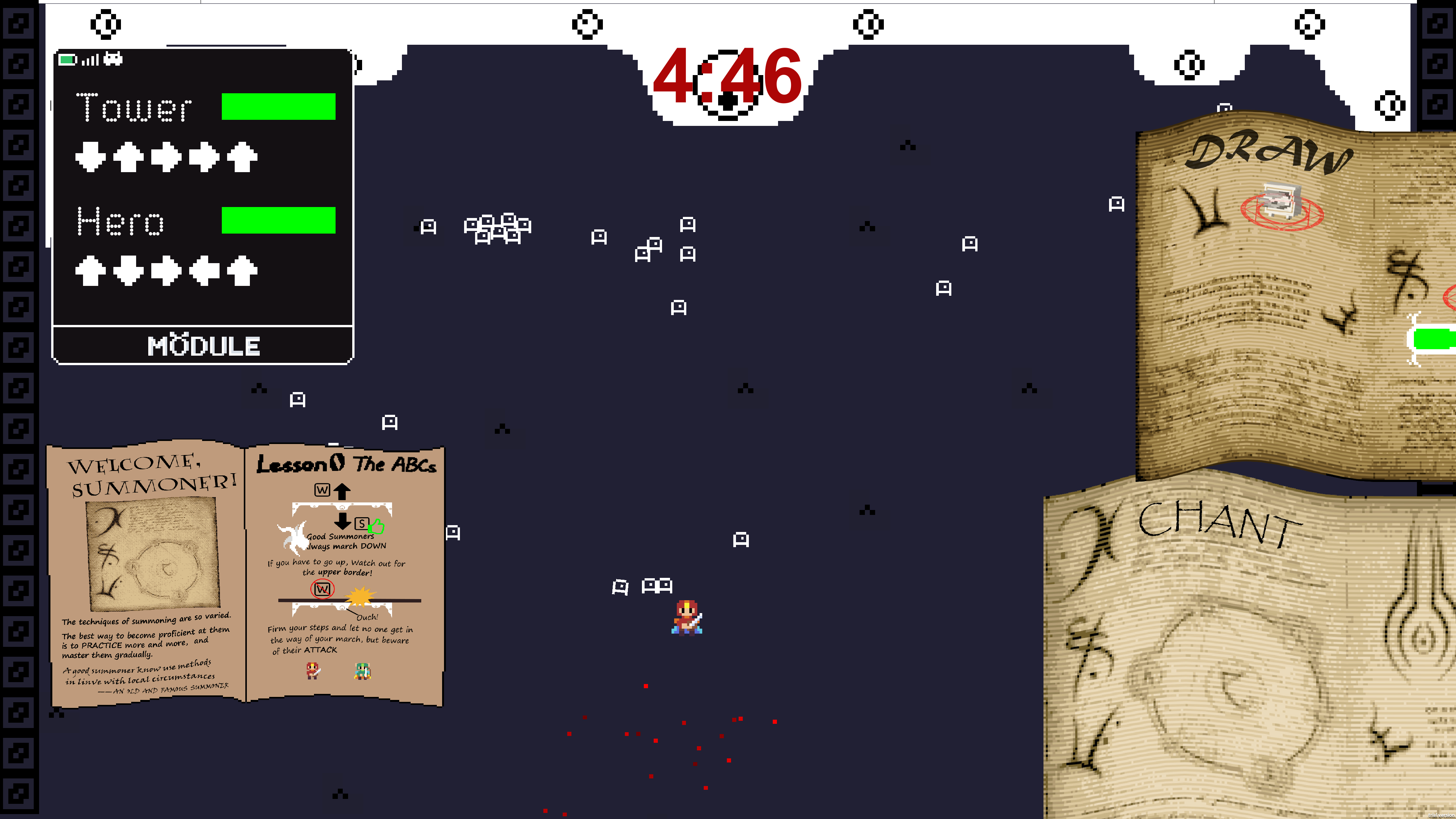
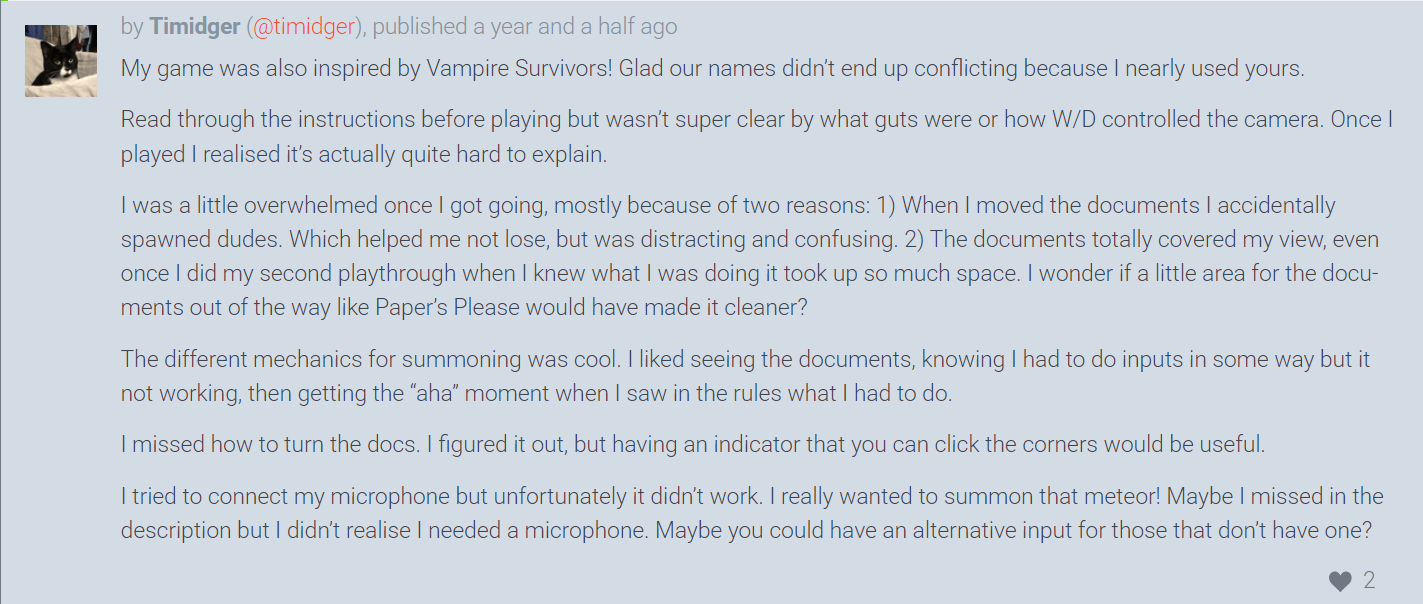
Based on feedback and suggestions from some players, different UI pages were blocking the view. This required adjusting the game pages and layout. For example, one player suggested referencing the UI layout from Papers, Please. In the new version, the summoning interface was redesigned as a left-right sliding sidebar to avoid blocking the game view.

Possible Iteration Directions
- Continuously adjust summon unit and enemy unit values, and refine the enemy respawn mechanism, to ensure a smoother player experience and avoid drastic difficulty fluctuations.
- Implement an in-game upgrade system and an out-of-game resource system to enhance the player’s sense of progression and motivation to push forward.